
How modding works in ReSkate: supported mod types, Studio and Luau plugins, install order, Thunderstore publishing, and what the project does not support.
ReSkate Modding Guide: What Is Supported and How to Start
ReSkate is itself a mod platform, so modding is officially supported — within its own format. You can install mods from Thunderstore, build game-data mods in ReSkate Studio, write Luau plugins, and publish packages back to the community. What the project does not support is anything outside that pipeline: DLL injection, memory editors, or tools that unlock paid content. Start with the install guide if you have not set up the launcher yet.
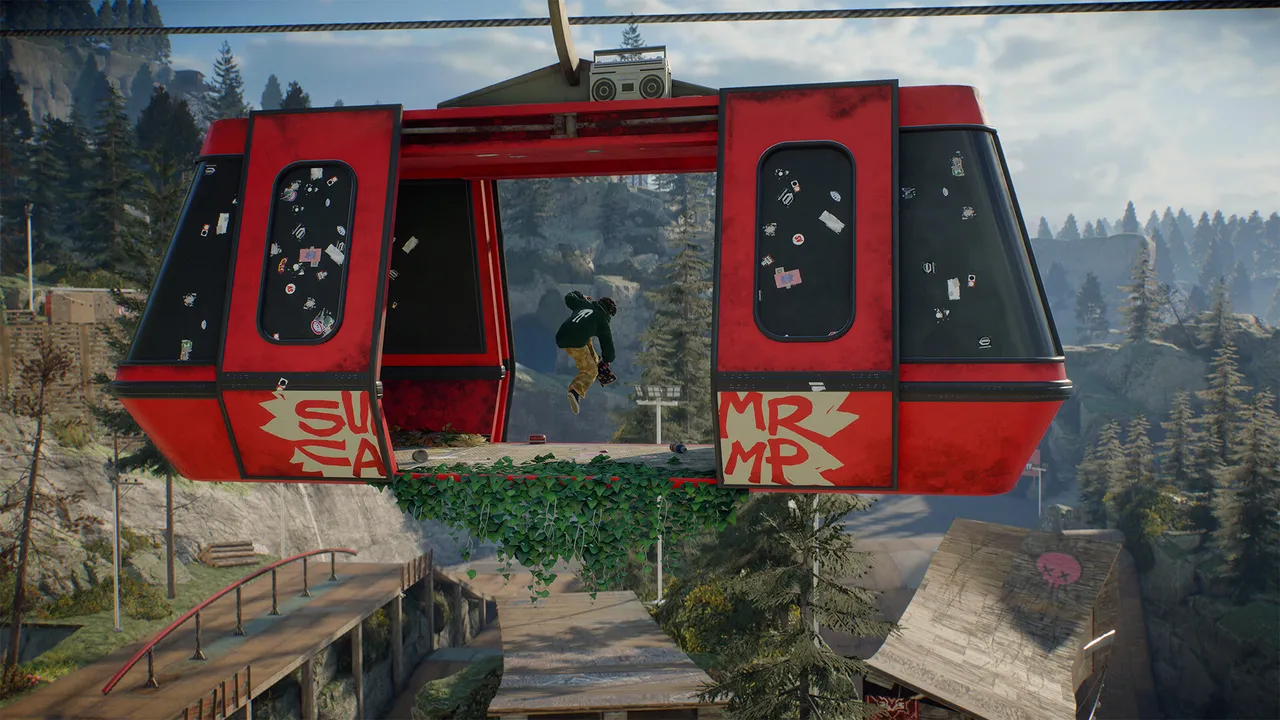
ReSkate mods change data and add content; they do not replace the game.
This guide is the map of the whole modding stack: the four kinds of mod, the tools each one needs, the rules that decide whether a mod loads, and the failure modes you will actually hit. It is an independent fan wiki with no connection to EA, Full Circle, Dingo-Shenanigans or Thunderstore.
The four kinds of ReSkate mod
Every package on Thunderstore resolves to one of these, or a mix of them inside a single folder.
| Mod type | What it changes | Made with | Docs |
|---|---|---|---|
| Game data | Cosmetics, textures, models, materials, sounds, animation, effects, game values, scripts | ReSkate Studio | /studio |
| Maps | New levels from a Blender scene, a .glb or another game's map |
Studio + Blender add-on | /studio/maps |
| Parks | Placed objects, spawn points and park rules on an existing map | In-game park editor | /mods/parks |
| Plugins | New modes, UI, rules and server behaviour in Luau | Any text editor | /plugins |
A single mod folder can hold several of these. The launcher reads layout.toc for Studio game data, reskate-levels.json and parks/<map>.park.json for maps, reskate-objects.json for Quick Drop objects, reskate-music.json for music, and reskate-plugin.json for a plugin. A package with none of those is refused at install.
Official source: Mods overview — mod folder layout and what the launcher accepts. Packages live on Thunderstore and the launcher is developed on GitHub.
Installing mods without breaking the order
The launcher's MODS page has two halves: GET MODS for Thunderstore and MY MODS for what is installed. Installations land in Mods\<Owner>-<Name> beside Skate.exe, dependencies come first, and packages in the Tools category open on Thunderstore instead of installing. The launcher refuses unsafe paths, linked folders, and installs that would leave less than 1 GB free.
Load order is the part that bites people. ReSkate loads the highest mod first and combines same-file changes where it can:
- Appearances, textures and meshes never conflict — the higher mod wins.
- New files with the same name: the higher mod wins.
- Game Lua scripts: only the highest one runs.
- Anything that cannot merge cleanly: the lower mod is left out whole, marked CONFLICT or LEFT OUT.
That last rule is why a 40-mod list can look fine while one pack silently does nothing. The mod manager guide covers profiles and drag-order, and the compatibility page lists known clashes.
ReSkate rebuilds Mods\.reskate at every launch from your enabled mods and mods.json. Changes made there disappear, and editing game files is outside the supported design — the project states that mods never modify the game itself.
Building a mod in ReSkate Studio
Studio is the official Windows 64-bit editor. It reads your installed copy of skate. and writes only your mod. Its requirements are strict and worth checking before you download anything:
- Windows, 64-bit.
- skate. build 20260929 — the one build the current Studio supports, shown in the status bar as "Skate 20260929 at".
- ReSkate installed in the same folder, so Studio can launch the game through
ReSkateLauncher.exeto test. - Blender, only for maps and for editing a cosmetic's model. Studio uses the newest installed Blender unless you pick one in Settings.
The first launch reads the game's files and takes about a minute; later launches are fast. Everything you make goes into one mod at a time, which Studio builds, installs for testing, and then packages for Thunderstore. The Studio page walks through the first mod.
The build number is not a formality. Studio stamps each mod with the game build it was made against, and the launcher marks mods from another build OUTDATED. When skate. moves, game-data mods have to be rebuilt and republished.
Writing plugins in Luau
A plugin is a mod plus a reskate-plugin.json and a Luau entry file, usually plugin/main.lua. Luau is Roblox's Lua 5.1 dialect. Each plugin runs in its own sandboxed VM and can only reach the game through the reskate API, which is permission-checked: the docs describe 59 permissions covering things like progression reads, outfits, props, UI and server commands.
The restrictions are the interesting part. A plugin can never write cosmetics, entitlements or progression (progression.read is read-only), run ReSkate console commands, reach memory, files or the OS, use the microphone or clipboard, change volume, or flash the screen rapidly. If a plugin asks for something outside its permissions, the call fails rather than silently succeeding.
Plugins are also the only mod type that asks the player directly. The first time ReSkate finds one, it shows a Turn on / Keep off prompt; editing the plugin's files makes it ask again. If mods.json cannot be read, no mods or plugins load at all.
Official source: Plugins overview — sandbox, permissions and the approval prompt.
Publishing to Thunderstore
A publishable package is a zip with a few required pieces at the top level:
| File | Requirement |
|---|---|
manifest.json |
name, version x.y.z, description ≤250 chars, website_url, dependencies |
icon.png |
256×256 |
README.md |
Package page content |
CHANGELOG.md |
Optional |
The team name becomes the folder prefix, so Mods\<Owner>-<Name> must stay under 64 characters. Categories matter more than they look: a plugin without the Plugins category will not run, and a map without Maps will not be offered for download when a player joins a server running it. Full details are on the Thunderstore page.
Rules and risks
Three rules cover almost every removal you will see:
- No copies of store items. Studio refuses unchanged copies of anything the game sells, and the launcher drops a whole mod that contains one. Recolouring, remodelling or retexturing is the supported path.
- No paid-content bypass. EA's October 2026 dev update draws the line at mods that unlock paid cosmetics, release gated content or profit from unauthorised assets.
- No support for out-of-band tools. DLL injectors, memory editors and cheat trainers sit outside ReSkate's documented format. They may work; the project does not support them, and a game update can break them without warning.
The practical risk is smaller than the policy risk: mods are local files, the game's own files are untouched, and removing a mod folder plus its mods.json entry cleans up. The bigger risk is installing an abandoned pack after a build change and wondering why nothing loads.
FAQ
Does ReSkate officially support modding? Yes, for its own format: Thunderstore packages, Studio game-data mods, park files and Luau plugins. Tools outside that format are not documented or supported.
Do I need the game to make mods? Yes. Studio reads your installed skate. build, and testing launches the game through the ReSkate launcher. There is no standalone editor.
Can I make mods without coding? Cosmetics, textures, models, sounds and maps are built in Studio's interface, with no scripting. Plugins need Luau.
Why is my mod marked OUTDATED? It was built against a different skate. build than the one ReSkate supports. Game-data mods must be rebuilt in Studio; plugins usually survive because they call the API rather than game files.
Is modding safe for my save? The project states that your skater, outfits, unlocks and progress are stored locally, and mods do not modify game files. Back up the save folder before a large mod list change anyway. Our safety page covers what to check before installing.
More ReSkate Guides
Mods broke after a ReSkate update? The pinned game build 20260929 decides what loads: how the launcher checks, skips outdated mods, and how to fix it.
Manage installed ReSkate mods: where each one sits on disk, how load order works, and how to disable, update, uninstall or fix a mod that breaks a launch.
Install ReSkate mods step by step: browse Thunderstore, add mods in the launcher, toggle them in game, and stick to mods you trust.
Is ReSkate safe, and can it get you banned? Open-source audit tips, antivirus false-positive fixes and download rules, updated November 2026.
How the ReSkate Thunderstore community works: package pages, categories, dependencies, modpack listings and the rules that keep installs clean.
ReSkate Trainer physics mod: super ollie, physics sliders, slow motion, setup and limits (Insert menu key included).
ReSkate updates itself through the launcher. See the newest build, why a SHA-256 error follows an update, and how to fix it.
Best ReSkate mods: Full Skate 3 Map, Skate 2 map, Skater XL ports, built-in Trainer, and top cosmetic and music picks, with versions.