Install ReSkate mods step by step: browse Thunderstore, add mods in the launcher, toggle them in game, and stick to mods you trust.
ReSkate Mod Install: Thunderstore Basics
Installing a ReSkate mod takes three steps: open the MODS page in ReSkateLauncher, add a mod from Thunderstore (browse inside the launcher or drag in a zip file), then press Insert in game and switch the mod on in the MODS menu. Most mods apply without a restart. The one hard rule: only install mods from sources you trust, because script mods can run code on your PC.
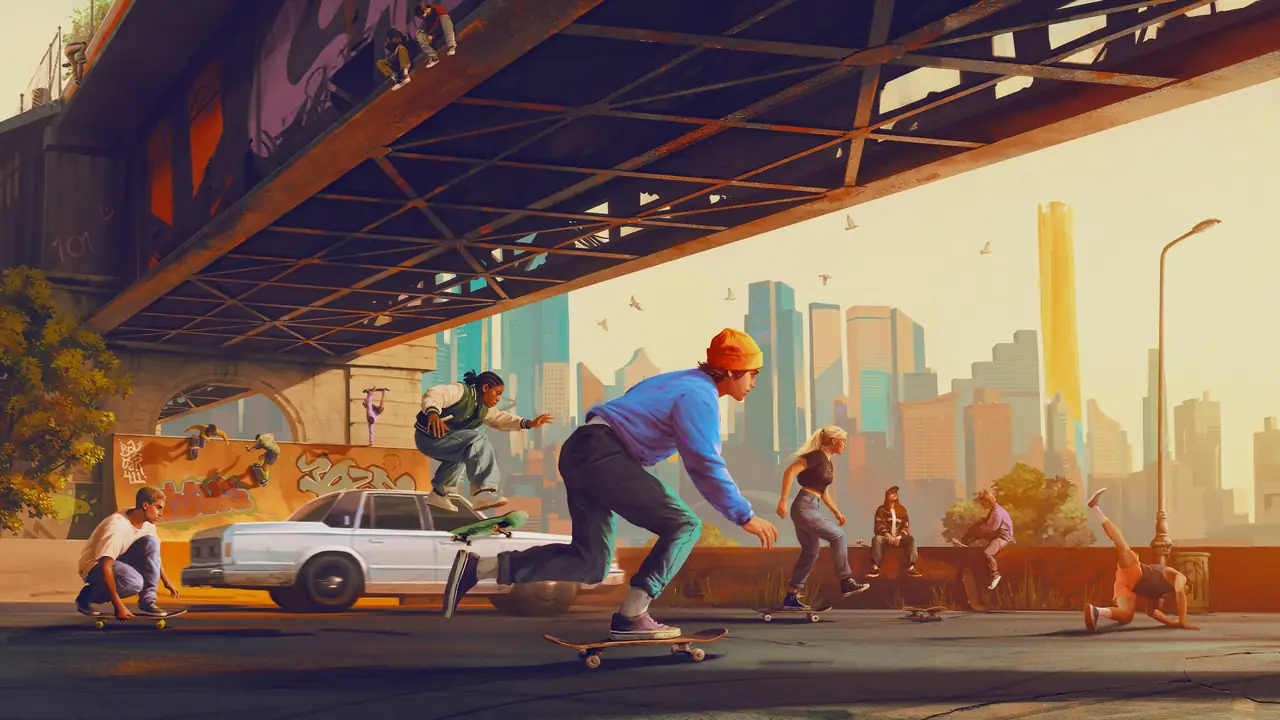
EA official skate. key art illustration. This fan guide is not affiliated with EA or the ReSkate team.
Start Here: What You Need Before Installing Mods
Mod support assumes the base setup already works. If you have not installed ReSkate yet, follow the ReSkate download and install guide first and get into the game with a clean PLAY press before adding anything.
The prerequisites, as of v1.1.3 (2026-10-06, the latest release at the time of writing):
- Your own Steam copy of skate. on PC. The game itself is free to add to your library, and ReSkate never ships game files or asks for your EA account.
- ReSkateLauncher plus ReSkate.dll from the official GitHub Releases page only. Never download the launcher from a mirror.
- Windows 10 or 11, 64-bit, for the player side.
Official source: ReSkate README — Dingo-Shenanigans/ReSkate
ReSkate moves fast (fourteen tags in five days up to v1.1.3), so treat every version number on this page as "as of v1.1.3, 2026-10-07". If your launcher shows a newer version, the flow below still applies, but small UI labels may differ.
The Thunderstore Ecosystem: Where ReSkate Mods Live
Thunderstore at thunderstore.io/c/reskate is the official distribution channel for ReSkate mods. Growth has been explosive: a community snapshot counted 216 mods and 326,000+ downloads as of 2026-10-05, and a live check of the listing on 2026-10-07 showed 465 packages.
Packages are organized into categories. The ones you will use most:
| Category | What you find there | Example |
|---|---|---|
| Maps | Full custom skate spots and ported maps | Skate 2 map port (Skate2Map by brassy), Skater XL ports |
| Audio | Radio stations and song packs | Multi-song playlist packs adding dozens of tracks |
| Cosmetics | Shirts, pants, and recolors | Expanded color selections of base-game tees |
| Skateboards | Decks and grip tapes | Deck graphics and grip packs |
| Tools | Helpers and libraries | Shared libraries other mods depend on |
| Modpacks | Curated bundles | Packs grouping several mods together |
Two Thunderstore rules matter for this guide. First, the ReSkate community is for content mods only: packages that unlock paid content or contain DLL / EXE files are not allowed. Second, a listing is not a safety audit. Thunderstore hosts uploads from many authors, so "available there" and "safe to run" are two different judgments. The trust section below explains how to make that call.
If you want recommendations instead of a raw catalog, see Best ReSkate Mods.
Method 1: Browse and Install From the Launcher MODS Page
This is the easiest route and the one most players should use.
- Start ReSkateLauncher and let it finish its self-update and game-file check.
- Open the MODS page in the launcher.
- Browse Thunderstore from inside the page, pick a mod, and install it. The launcher downloads the package and places it in your local Mods folder for you.
- Press PLAY, get in game, then press Insert to open the ReSkate menu and switch the mod on under MODS.
Since v1.0.4 the launcher merges mods before PLAY and names broken ones instead of silently failing, so read any warning it shows before entering the game. A flagged mod usually needs an update from its author. Version mismatches are covered in ReSkate Mod Compatibility.
Add a single mod, confirm the game starts and the mod works, then add the next. If something breaks later, you already know which package caused it.
Method 2: Drag a ZIP or Folder Into the Launcher
If you downloaded a mod package as a file (for example from a Thunderstore package page in your browser), you do not need a separate mod manager:
- Open the launcher MODS page.
- Drag the mod
.zipfile or an extracted mod folder directly into the launcher window. - The launcher places it under your
Mods\directory, one folder per mod. - In game, press Insert, open MODS, and enable it.
The manual layout behind both methods is simple: every mod lives in its own folder under Mods\, and Mods\mods.json controls load order. Most players never need to touch it, but knowing where mods live helps when a troubleshooting guide asks you to remove or re-add a package.
Map mods deserve one extra note: they ship game data plus a reskate-levels.json file that registers the level and its spawn points. If a map installs but never appears in the level list, that file is the first thing to check.
Toggle Mods In Game With the Insert Menu
The in-game side of mod management lives in one place. Press Insert to open the ReSkate menu, go to MODS, and toggle each installed mod on or off. Most toggles take effect without restarting the game.
Three keys run the whole in-game experience (README Controls table, as of v1.1.3):
| Key | Function |
|---|---|
| Insert | Open the ReSkate menu (mods, trainer, park editor, multiplayer) |
| Tilde (~) | Open the command console (help lists every command) |
| T | Multiplayer chat |
Both the menu key and the console key can be rebound in the launcher Settings page. A full key reference is in ReSkate Controls.
One more thing new players get wrong: the built-in Trainer (Insert, then TRAINER) has shipped inside ReSkate since v1.0.9 and needs no separate install. See the ReSkate Trainer guide.
If the launcher flags a package at PLAY, or a mod built for an older game build gets skipped by name, do not force it. ReSkate pins the game to Steam build 25414733 (as of v1.1.3) and skips mods made for other builds. Check the compatibility table.
Trust Rules: Only Install Mods You Trust
The ReSkate README says it in plain words: "Only install mods you trust." Thunderstore packages come from many different authors, and script-style mods can execute code on your machine. A mod with thousands of downloads from a known map author is a very different bet from a day-old upload with no description.
Practical rules that follow from that warning:
- Prefer mods with a real description, a version history, and visible authorship.
- Be extra careful with anything that asks you to run an extra program or disable your antivirus beyond the normal Defender exclusion for the ReSkate folder.
- Remember Thunderstore bans paid-content unlocks and DLL/EXE payloads in this community, which removes whole classes of abuse, but it cannot review every line of every upload.
- Keep ReSkate itself and your mods updated together. Player and server versions must match.
The ban question comes up in every install thread, so here is the sourced short version: EA had made no public statement about ReSkate as of 2026-10-07, tens of thousands of players were already using it, and ReSkate never connects to EA servers. The full evidence is in Is ReSkate Safe.
Frequently Asked Questions
Do I need a separate mod manager? No. The launcher browses Thunderstore on the MODS page and accepts dragged-in zips or folders.
Where do mods live on disk?
Each mod gets its own folder under Mods\, and Mods\mods.json controls load order. Removing a mod is deleting its folder.
Why does the launcher flag a mod before PLAY? Since v1.0.4 the launcher validates mods and names the broken ones. The usual causes are a corrupt download or a mod built for a different game build. Re-download first; if it still fails, wait for the author to update.
Do mods work on servers I join?
Client-side mods travel with you, but custom maps must be installed on both sides: the server reads the map's reskate-levels.json from its own Mods folder, and you need the same map mod installed to enter. Hosts should read the dedicated server setup before adding map mods.
Can mods get me banned? ReSkate does not connect to EA servers, and the project states players cannot be banned from EA's side through it, but EA itself has said nothing either way as of 2026-10-07. The sourced discussion is in Is ReSkate Safe.
Related Guides
- ReSkate Download and Install (PC) — get the launcher working before adding mods.
- Best ReSkate Mods — the map ports and tools worth your first installs.
- ReSkate Mod Compatibility — what to do when an update breaks a mod.
- Is ReSkate Safe? Bans and Trust Guide — antivirus, trust, and the EA question in full.
- ReSkate Trainer Guide — the built-in physics panel needs no download.
More ReSkate Guides
Official ReSkate Discord, GitHub, Thunderstore and Reddit links in one place: community hubs for new players, as of v1.1.3.
ReSkate keys and console commands cheat sheet: Insert menu, T chat, ~ console help; key changes follow the version stamp.
ReSkate not launching or crashing? Use this error lookup table to fix Unknown Player, antivirus blocks, old mods and build changes fast.
Run ReSkate on Steam Deck and Linux: Desktop Mode install, Proton setup, reported 60 FPS performance, and known issues with workarounds (as of v1.1.3).
ReSkate multiplayer guide: 32-player lobbies, server browser, proximity voice, parties, and Throwdowns explained as of v1.1.3.
ReSkate offline mode explained: how the launcher skips EA servers, the Unknown Player state, local saves, and limits (as of v1.1.3).
Build parks in ReSkate Park Editor: freecam, snapping, undo, saving, and sharing your park as a mod via Thunderstore (as of v1.1.3).
Does ReSkate run on PS5? PC-only status, Steam Deck via Proton, and console confusion explained, with a skate. platform table, as of v1.1.3.