
How to play ReSkate from first launch: get online properly, learn the three keys, try lobbies, parks, Hall of Meat and the Trainer, then add your first mods.
How to Play ReSkate: Your First Session Start to Finish
ReSkate plays like this: press PLAY in the launcher with Steam signed in, drop into San Vansterdam's free skate, press Insert for everything the mod platform adds, and build your session from there — lobbies with up to 32 players, community maps, the physics Trainer, and the parks. This page is the first-hour walkthrough: what to do, in what order, and what each feature is for, as of ReSkate v2.0.2 (October 9, 2026).
If nothing is installed yet, this starts at the install guide — three steps, a free Steam copy of skate., and you are back here in twenty minutes. ReSkate is a third-party open-source mod platform, not an EA product, and this site is an independent unofficial fan site with no affiliation to EA, Full Circle, Dingo-Shenanigans, or Thunderstore. For the shortcuts that save the most time, see the twelve ReSkate tips.
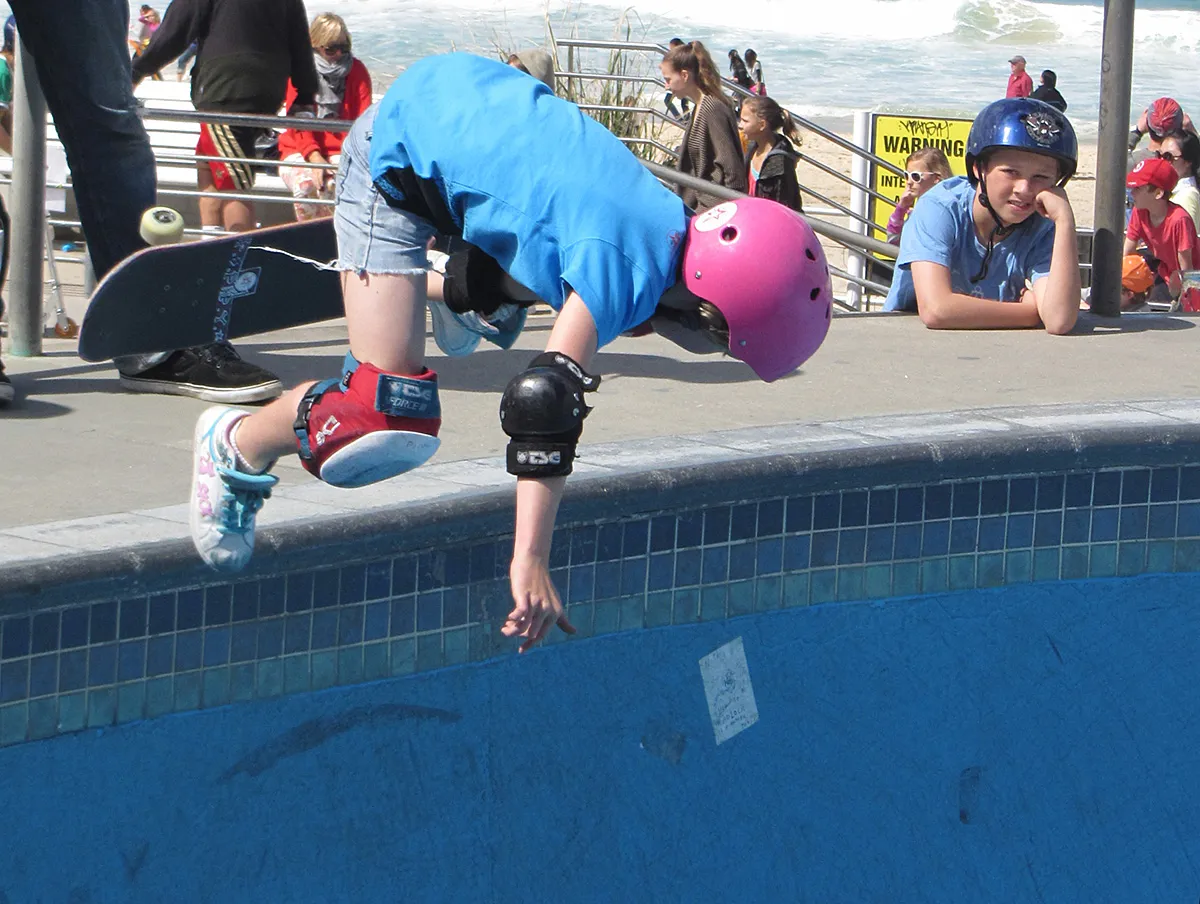
Photo: Kaldari, Wikimedia Commons, public domain. First sessions look like this — helmet, pads, and a bowl to roll around in.
Step 0: Get Online Properly (Or Know Why You Are Not)
The launcher checks Steam before PLAY, and the state you launch in decides your whole session:
| Launch state | What you get |
|---|---|
| Steam open and signed in | Your player identity, multiplayer, lobbies, servers, chat — the full game |
| Steam closed or signed out | "Unknown Player", pure offline mode, local saves, no multiplayer |
Since v1.0.1 the launcher warns you before the second case happens; if you see the warning, sign in to Steam and press PLAY again — nothing is lost by retrying, saves stay local either way. Offline mode is a legitimate way to play (it has real scope and real limits, covered in the offline mode guide), but for a first session, online is the experience you are here for.
Step 1: Learn the Three Keys
ReSkate adds exactly three keys on top of skate.'s own controls (full table in the controls guide):
- Insert opens the ReSkate menu — the home of MODS, TRAINER, Park Editor, multiplayer, and settings. Remappable in launcher Settings.
- ~ (tilde) opens the command console — type
helpto list every command your build knows. - T opens multiplayer chat, with emotes and slash commands like
/w <player>for whispers.
If a tutorial video shows keys that do nothing, your build may have moved them — check the launcher's Settings page, which always shows the current bindings, rather than trusting the video's age.
Official source: ReSkate on GitHub — the Controls table and menu contents come from the project README. The community walkthrough at skatemods covers the same flow with screenshots, and mods install from the Thunderstore ReSkate community.
Step 2: The First Ten Minutes — Just Skate
Load into the base map and free skate. The base game under ReSkate is the pinned Steam build of skate. running without EA servers, so everything mechanical works: flick-it trick controls, sessions, the map itself. Two settings facts worth knowing early: in-game settings persist since v1.0.4 (change graphics or controls once, they stick), and if something feels off mid-session, logs\ReSkate.log next to the launcher is where evidence lives for a later bug report.
Do not install any mods yet. The base game is the baseline every later problem gets compared against — if your first-ever launch is already modded, you will never know what broke what.
Step 3: Multiplayer — Lobbies, Parties, Voice
Press Insert, open the multiplayer page, and browse. The feature set, current as of v2.0.2:
- Lobbies and servers. The server browser lists community lobbies and dedicated servers; lobbies hold up to 32 players. Joining is the fastest way to feel the game's actual texture — other skaters everywhere, chat moving, sessions happening.
- Proximity voice. Voice chat is spatial — walk up to someone to hear them, skate away to lose them. It is the single most community-defining feature in the platform.
- Parties and Throwdowns. Party up with
/party invite <player>, keep party chat separate with/p, and throw sessions at each other with Throwdowns. - Chat culture. Since the v2.0 window, chat bubbles render over each skater's head, whispers (
/w) work player-to-player, and effects like board trails show on other players too.
Joining works everywhere; hosting a lobby from a Steam Deck has a known issue under Proton. For a first session on any platform, joining an existing server teaches you more than administrating an empty one — hosting comes later, via the dedicated server setup.
Step 4: The Built-In Toys — Trainer, Parks, Hall of Meat
Three features ship with the platform, no downloads needed, all under the Insert menu:
The Trainer (since v1.0.9) is the physics playground. One-click presets — super high ollie, fast flips, never bail — change how the game feels in seconds; the Tune tab exposes every physics value by name; Practice gives you game speed, pause, and five teleport markers per map. Presets are session toys; trainer reset puts everything back. The full tour is in the Trainer guide.
Parks fill San Vansterdam's park lots, and since v2.0.0 the Load Random Parks option picks a fresh layout for each lot — with an optional roll on every launch if you never want the same session twice. The Park Editor is there when you want to build your own; the park editor tutorial covers freecam, snapping, and sharing.
Hall of Meat came back in the v2.0 window, contributed by Krischan-Klug: bail, and the bones you hurt light up through the body — yellow for bruised, red for broken — with a Meat card scoring hits, broken bones, airtime, and fall height. It draws only the game's own assets from your install, and it is off by default: switch it on under Custom Stuff → Player, or with hallofmeat 1 in the console. No Bail stops the bails it scores.
Step 5: First Mods — One at a Time
The mod layer is the point of the platform, and the first-session version of it is deliberately small:
- Open the launcher's MODS page and install one mod — the best mods roundup starts with the Full Skate 3 Map (690 MB) if your GPU has headroom, or a small 18 MB park if you want a safe first test.
- Press PLAY; since v1.0.4 the launcher merges mods first and names broken ones instead of loading them.
- In game, Insert → MODS, enable it, and use it — then add the next mod only after this one works.
The one-mod-at-a-time rule is not ceremony: with mods layered from minute one, a crash tells you nothing. With one mod, a crash tells you everything. The trust rules matter here too — the README's own words are "only install mods you trust," because script mods can run code; the mod install walkthrough has the full flow.
Step 6: Travel to a Custom Map
When a map mod is installed and enabled, it registers as a level through its reskate-levels.json file — open the Levels / Travel menu and pick it. Full-city ports are the heaviest content in the ecosystem, so if a big map hangs on loading, the ordering of suspects is: outdated ReSkate, then outdated map (reinstall through MY MODS), then your VRAM. The whole map system — sources, sizes, and the multiplayer map rule — is in the maps guide.
Your First Hour, Summarized
| Minute | Do this | Why |
|---|---|---|
| 0 | Launch via the launcher, Steam signed in | Identity and multiplayer depend on it |
| 5 | Free skate the base map, change one setting | Baseline + persistence check |
| 15 | Join a lobby or server, say hi on chat | The real game is other people |
| 25 | Open the Trainer, try two presets, reset | Feel what physics tuning does |
| 35 | Enable Hall of Meat, bail on purpose | It is off by default and it is fun |
| 45 | Install exactly one map or cosmetic mod | Learn the install loop safely |
| 60 | Travel to the custom map you installed | The mod platform's signature payoff |
FAQ
Is ReSkate free? ReSkate itself is free and open source (GPL-3.0). The game it mods, skate., is free-to-play on Steam — you add it to your own library at no cost. There is nothing to buy at any step; what you must bring is your own Steam account and a legitimate install, because ReSkate never ships game files.
Do I need to be online to play? For multiplayer yes, for play no — offline mode runs the game without EA servers and keeps saves local, minus every social feature and the "Unknown Player" name on your back. The scope and limits are documented in the offline guide.
What should I try first, mods or multiplayer? Multiplayer. It works with zero setup beyond signing in to Steam, and it shows you the living game the platform exists for. Mods compound on top of a working baseline — one at a time, after the base game feels familiar.
Where do I find people to skate with? The server browser inside the game, and the community hubs — the official Discord (about 28.7K members in the October 2026 snapshot), Reddit, and the skatemods index are all linked in the community guide.
Does my progress carry over to EA's online game? No. ReSkate keeps its own local saves on your PC and never touches EA servers — console or EA-online progress and purchases live in EA's world entirely. The two progressions never meet, which is also why nothing you do in ReSkate affects your EA account state.
Related
More ReSkate Guides
ReSkate offline mode explained: how the launcher skips EA servers, the Unknown Player state, local saves, and limits (as of v1.1.3).
ReSkate patch notes for November 2026: the 2.1.4 hotfix line and the 20261114, 20261115 and 20261116 builds, with the fixes and the version naming change.
ReSkate has no single release date. Full timeline from the 2 October 2026 open-source launch to build 20261116 on 16 November, with what changed.
skate. updated on Steam and ReSkate stopped working? Here is why the build pin matters, what to check first, and the safe order to fix it without losing mods.
What is ReSkate? The unofficial open-source mod platform for EA skate. explained: offline play, self-hosted servers, and mods in one guide.
Best ReSkate mods: Full Skate 3 Map, Skate 2 map, Skater XL ports, built-in Trainer, and top cosmetic and music picks, with versions.
Every ReSkate update from v1.0.0 to v1.1.3: per-version changes, pinned game build record, and how the launcher self-updates.
How characters work in ReSkate: your own skater, locally saved outfits and unlocks, Unknown Player when Steam is offline, and costume mods.