
How ReSkate music mods are packed and played: custom radio stations and song playlists, honest pack sizes, where they show up in game, and install steps.
ReSkate Music Packer: Add Custom Songs and Radio Stations
The ReSkate Music Packer is a free open-source tool that turns your own audio files into an add-only ReSkate music mod: new songs plus a named playlist that appears in skate.'s music screen, without replacing a single shipped file. Point it at your game folder, drop in songs, press Build, copy the mod folder into Mods\, enable it in the launcher. The tool is a zip under 1 MB; the mods it produces weigh hundreds of megabytes, because every track ships as encoded audio.
ReSkate is a third-party open-source mod platform, not an EA product, and this site is an independent unofficial fan wiki with no ties to EA, Full Circle, Dingo-Shenanigans, or Thunderstore. ReSkate's current release is v2.0.2 (2026-10-09); the packer's latest is v1.1.3 (2026-10-06, checked 2026-10-14). Both projects move fast — treat every version number here as stamped in time. No ReSkate yet? Start with the install guide.
- The packer runs on Windows, macOS and Linux, with a graphical window and a CLI
- It needs ffmpeg to build mods, but nothing extra to play them
- Song ids are
Artist - Title, copied exactly from your files' tags - Packed playlists show up in the game's music screen; community posts call them radio stations
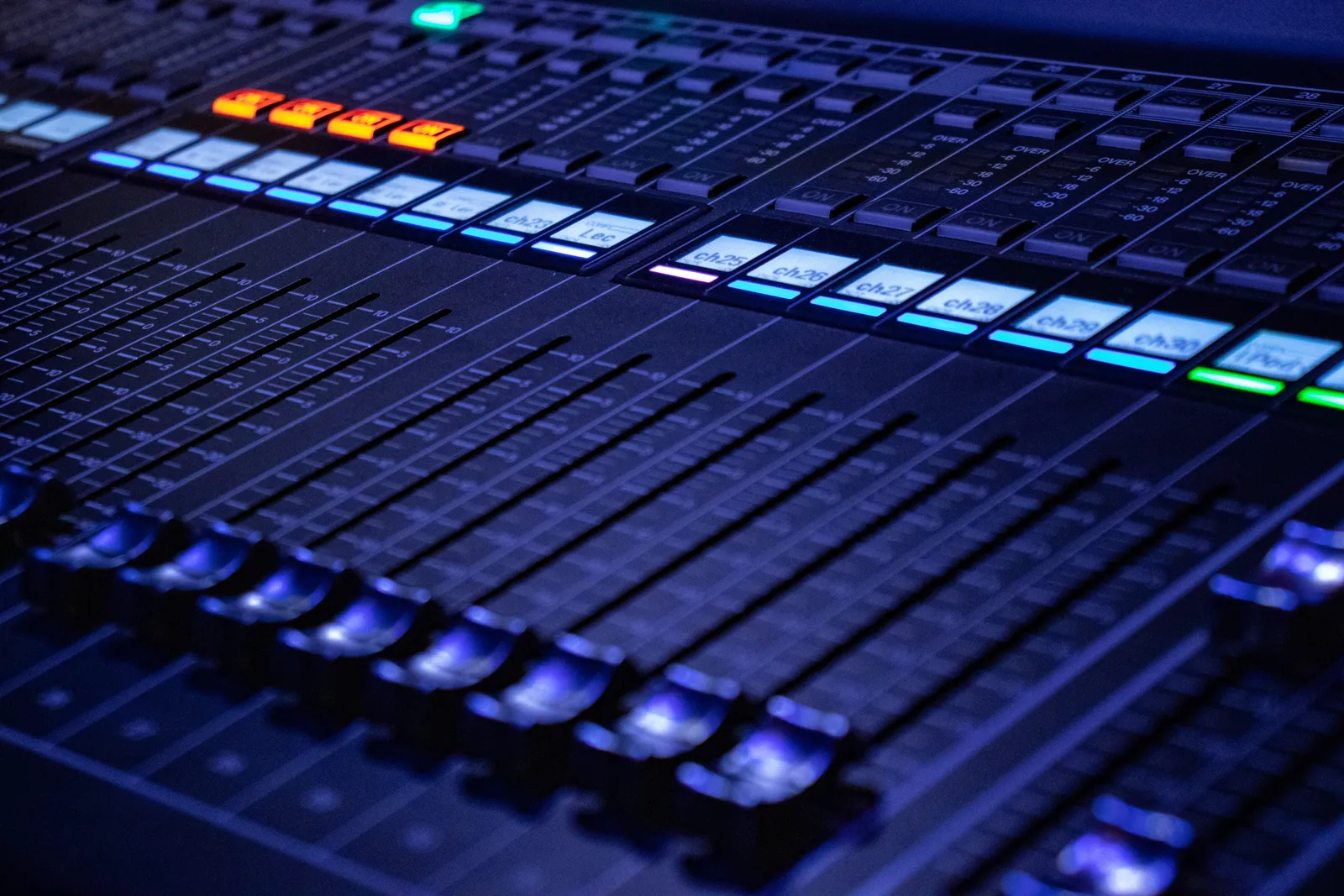
A studio mixing desk (stock photo, not a game screenshot). Packing a playlist is the closest modding gets to running one of these inside skate.
What the Music Packer Actually Is
ReSkate Music Packer is a standalone tool by DeckardDetribine — the contributor the project's community history credits for ReSkate's own music work — distributed under GPL-3.0 from its GitHub repository. It reads the game's audio templates from your ReSkate install, encodes your songs, and writes a full mod folder: a TOC plus archive with the new audio assets, a reskate-music.json describing your playlists, artwork PNGs, and a project file for rebuilding later.
Official source: ReSkateMusicPacker README — "A standalone tool for Windows, macOS and Linux (GUI and CLI) that turns your audio files into add-only music mods for skate. running on ReSkate. It adds new songs and custom playlists to the game's music without replacing any shipped files."
Add-only is the phrase doing the heavy lifting: the mod never overwrites the game's own soundtrack files, which is why packed playlists survive game updates and stack with other mods instead of fighting them.
| Fact | Detail (as of the v1.1.3 release, 2026-10-06) |
|---|---|
| Platforms | Windows 10/11 x64 (release build), macOS 11+ and 64-bit Linux (build from source — Releases ships only a Windows zip, about 790 KB) |
| Interface | Dear ImGui window (DirectX 12 on Windows, SDL2 on macOS/Linux) plus a CLI for batch packing |
| License | GPL-3.0, with engine code ported from ReSkate |
| Audio out | Stereo 48 kHz Opus, default 192 kbps (64–320), loudness-matched to the game's tracks at -15 LUFS |
| Installer | None — the Windows executable is self-contained, no Visual C++ redistributable |
What You Need Before Packing
- A working ReSkate install. The runtime must understand
reskate-music.jsonto create the playlist. Playlist support landed in v1.0.9 (2026-10-04, with radio cover art) and music covers kept landing through v1.1.2, so any current build handles both. Anything older than v1.0.9 plays nothing. - Your game folder, the one containing
Skate.exe— the packer reads the game's audio templates from it. Under Steam with Proton that is~/.local/share/Steam/steamapps/common/<game>; in a Wine or CrossOver bottle, the folder insidedrive_c. Deck and Linux players should read the Deck and Linux guide first. - ffmpeg and ffprobe, on your
PATHor in a folder you point the tool at. They decode, encode Opus, extract album art and measure loudness — needed only to build mods, not to play them. The Windows GUI fetches a pinned static LGPL build from BtbN/FFmpeg-Builds with one button, SHA-256-checked before extraction; macOS and Linux users install it from ffmpeg.org or the package manager. - Songs you have the rights to. Anything ffmpeg can decode — the file picker lists
.mp3 .flac .ogg .opus .wav .m4a .aac .wma .aiff .aif .webm .mka .mp4.
Download from the packer's GitHub Releases and nowhere else. The tool is deliberately absent from Thunderstore: the ReSkate community there is for content mods, and packages containing DLL or EXE files are not allowed. "ReSkate music packer download" threads exist because people look in the wrong place — it has never been on the mod database.
Pack a Playlist, Step by Step
The GUI route:
- Run
ReSkateMusicPacker.exe(double-click works) with no arguments. - Set Game folder to the install containing
Skate.exe— the tool checks for the file. Point it at ffmpeg if it is not on yourPATH, or press Download ffmpeg automatically on Windows. - Drop songs or a folder onto the window; each song shows its artist/title from the tags, falling back to the file name.
- Give the mod a name and its playlist in the music screen. Songs can split across several playlists in one mod.
- Optionally open Artwork... to override a cover or generate a text cover — covers become 512x512 PNGs saved with the mod, and Use automatic falls back to embedded album art.
- Press Build. The mod folder lands next to your songs, or in an output folder you chose. Keep it and its
reskate-music-project.json— that project file lets you reopen and rebuild later. - Optionally Export Thunderstore... for an upload-ready zip with
manifest.json, generated README and tracklist, and a 256x256 icon.
The CLI does the same job for batch packing:
ReSkateMusicPacker.exe "<game folder>" "<song folder>" [output folder] `
    --name "My Mix" --playlist "My Mix" `
    --playlist-artwork "My Mix" "cover.png" `
    --track-artwork "Artist - Title" "track.png"
Full flag reference lives in the repo docs. Transcoded audio is cached by source hash, so rebuilding re-encodes only changed songs.
What the Packer Writes and What the Game Reads
A built mod is a normal ReSkate mod folder with music-specific files on top:
My Mix/
  layout.toc
  Win32/.../cas_01.cas
  manifest.json
  reskate-music.json             # playlists and cover art, read by ReSkate
  reskate-music-project.json     # the source project, for rebuilding
  artwork/
The playlists are plain sidecar JSON, schema 1 — the same format the ReSkate README documents for hand-written music mods:
Official source: ReSkate README, Mods section —
{"schema": 1, "playlists": [{"name": "My Playlist", "songs": ["Artist - Title", "Artist - Other Title"]}]}, with the note that "entries that match no song are ignored, and a playlist with no matching songs is not shown."
Three rules decide whether your playlist appears:
- Song ids are
Artist - Title, space-dash-space, exactly as the mod registers them. The packer writes ids from your files' tags, so clean tags before you pack — an id mismatch is the number-one reason a playlist lands empty. - Clash warnings matter. The packer checks your artist/title pairs against installed mods and the game's soundtrack so you do not collide with an existing song id.
- Covers are optional and forgiving. The packer produces 512x512 PNGs; the runtime caps each image at 4 MiB and 2048x2048 and all mod artwork at 64 MiB total. Missing or invalid covers are ignored without dropping the playlist or the song.
If your playlist shows up with zero tracks, open one of your source files and copy the artist and title fields verbatim into the songs array. The JSON is generated for you; the tags are the part you control.
Where the Playlist Shows Up in Game
Installing a packed mod is the standard ReSkate mod flow from the mod install guide: copy the mod folder into Mods\ beside Skate.exe (one folder per mod, Mods\mods.json controls load order), or drag the folder or zip onto the launcher's MODS page, then press Insert in game and enable it under MODS. Most mods apply without a restart.
Once enabled, the playlist shows up in the game's music screen next to the game's own music. Community posts call these custom radio stations; they are the playlist tiles reskate-music.json registers, and add-only means no mode where your pack deletes the originals.
| Symptom | Likely cause | Fix |
|---|---|---|
| Playlist never appears | ReSkate older than v1.0.9, or mod not enabled | Update ReSkate (current is v2.0.2), enable the mod under Insert → MODS |
| Playlist appears but is empty | Artist - Title ids do not match the song tags |
Repack with clean tags, or edit the ids to match exactly |
| Covers missing but music plays | Runtime without mod-cover support, or invalid PNG paths | Update ReSkate; older runtimes still load the music without art |
| Launcher skips the mod | Made for an outdated game build | Rebuild against your current install; the launcher names skipped mods — see mod compatibility |
Honest Pack Sizes
Music mods are the heaviest common content in ReSkate, because every track ships as encoded audio. At the packer's default 192 kbps, one minute of audio lands at roughly 1.4 MB (192,000 bits per second times 60 seconds). A 40-track mix of three-minute songs packs to around 170 MB; drop to the 64 kbps floor and the same mix is closer to 55 MB — audibly softer, fine as background while skating.
Community packs on Thunderstore sit in the same range or higher — sizes checked live on 2026-10-14:
| Pack | Songs | Size on the wire |
|---|---|---|
| FlashFM GTA Vice City (Mayfly) | 34 | 359 MB |
| GTA V Radios (YoshiAlfie), v1.1.2 | 285 | about 1.5 GB (866 MB at the 150-song v1.0.0 on 2026-10-07) |
The launcher's MY MODS view shows each mod's size (multi-select and sizes arrived in v1.0.9), so check it before stacking three big stations. Pack one station at a time before adding the next — the advice the best mods roundup gives for music picks. Disk tight? Repack at 96–128 kbps — nothing in the game cares beyond what your ears notice.
FAQ
Where do I download the ReSkate music packer? From the GitHub Releases page of DeckardDetribine/ReSkateMusicPacker — the only official source. As of 2026-10-14 it ships a Windows x64 zip of roughly 790 KB. It is not on Thunderstore: that community does not allow packages containing EXE or DLL files. macOS and Linux users build from source.
Is the music packer safe to run? GPL-3.0 open source, readable line by line, no installer, and on Windows only system libraries. Still a community tool: verify downloads against the official Releases page and treat antivirus flags with the same caution as ReSkate itself. Mod trust rules live on the safety guide.
Can I replace skate.'s original radio with my own songs? No, by design. Music mods are add-only: your songs appear next to the game's own music and never overwrite shipped files — which is also why packed playlists survive game updates.
Why is my playlist in the music screen but empty?
The song ids in reskate-music.json do not match what the mod registered. Ids are Artist - Title with a space on each side of the dash, copied exactly from your files' tags. Repack after fixing the tags; the clash warning catches duplicates.
Does the music packer work on Steam Deck or Linux? The tool is cross-platform, but official Releases ship only the Windows build, so Deck and Linux users build from source. The game runs under Proton or Wine — point the packer at the install folder inside the Proton prefix, as in the Deck and Linux guide. There the mod archive is written uncompressed: a little larger, read the same way by the game.
Related Guides
- ReSkate Mod Install Guide — the install flow your packed mod rides on, launcher page to Insert menu
- Best ReSkate Mods — the biggest existing music packs, so you know what is out there before packing your own
- ReSkate Mod Compatibility — what to do when the launcher skips your mod after an update
- ReSkate Steam Deck and Linux — Proton paths and known issues before packing on non-Windows
More ReSkate Guides
ReSkate not launching or crashing? Use this error lookup table to fix Unknown Player, antivirus blocks, old mods and build changes fast.
What changes in ReSkate gameplay: pinned skate. physics, offline play, 32-player lobbies, throwdowns, world controls, park editor and plugin modes.
Where ReSkate official code, releases and issue tracker live, how to read each repository, and how to confirm a download is genuine before running it.
Hall of Meat is a ReSkate plugin mod now, not a console toggle. How to install it, approve permissions, enable it in a session and fix the old command.
How to play ReSkate from first launch: get online properly, learn the three keys, try lobbies, parks, Hall of Meat and the Trainer, then add your first mods.
Download ReSkate from official GitHub Releases: PC requirements, 3-step install, Steam login, and first launch into skate. (as of v1.1.3).
The ReSkate launcher explained tab by tab: self-updates, game verification, the PLAY merge, MODS page, Settings, and every common message, as of v2.0.2.
Run ReSkate on Steam Deck and Linux: Desktop Mode install, the v2.0 Steam launch option, reported 60 FPS, and what the Proton fixes changed (as of v2.0.2).