
The Skate 3 RPCS3 settings that matter: the documented baseline, patch toggles, slow motion and controller fixes, and a Steam Deck starting point.
Skate 3 RPCS3 Settings: Best Config and Slow Motion Fixes
The short answer: make a per-game configuration for Skate 3, set RSX FIFO Accuracy to Atomic, Driver wake-up delay to 100 µs, VBlank frequency to 120 Hz, and VBlank NTSC Fixup on — the baseline the community skates on — then run Vulkan at 720p with the 1.05 update installed. Slow motion is a timing problem that usually yields in the advanced settings, not the GPU sliders.
RPCS3's compatibility list rates Skate 3 Playable for all three releases — BLUS30464 (US), BLES00760 (EU), BLJM60296 (Japan) — as the community RPCS3 basics FAQ records it. You supply your own PS3 disc dump and the PS3 system software; the newest emulator build as of this writing is v0.0.43, released September 30, 2026. Settings and patches move with versions — treat everything below as a sourced starting point. re-skate.wiki is an independent fan site, unaffiliated with EA, Full Circle, or RPCS3.
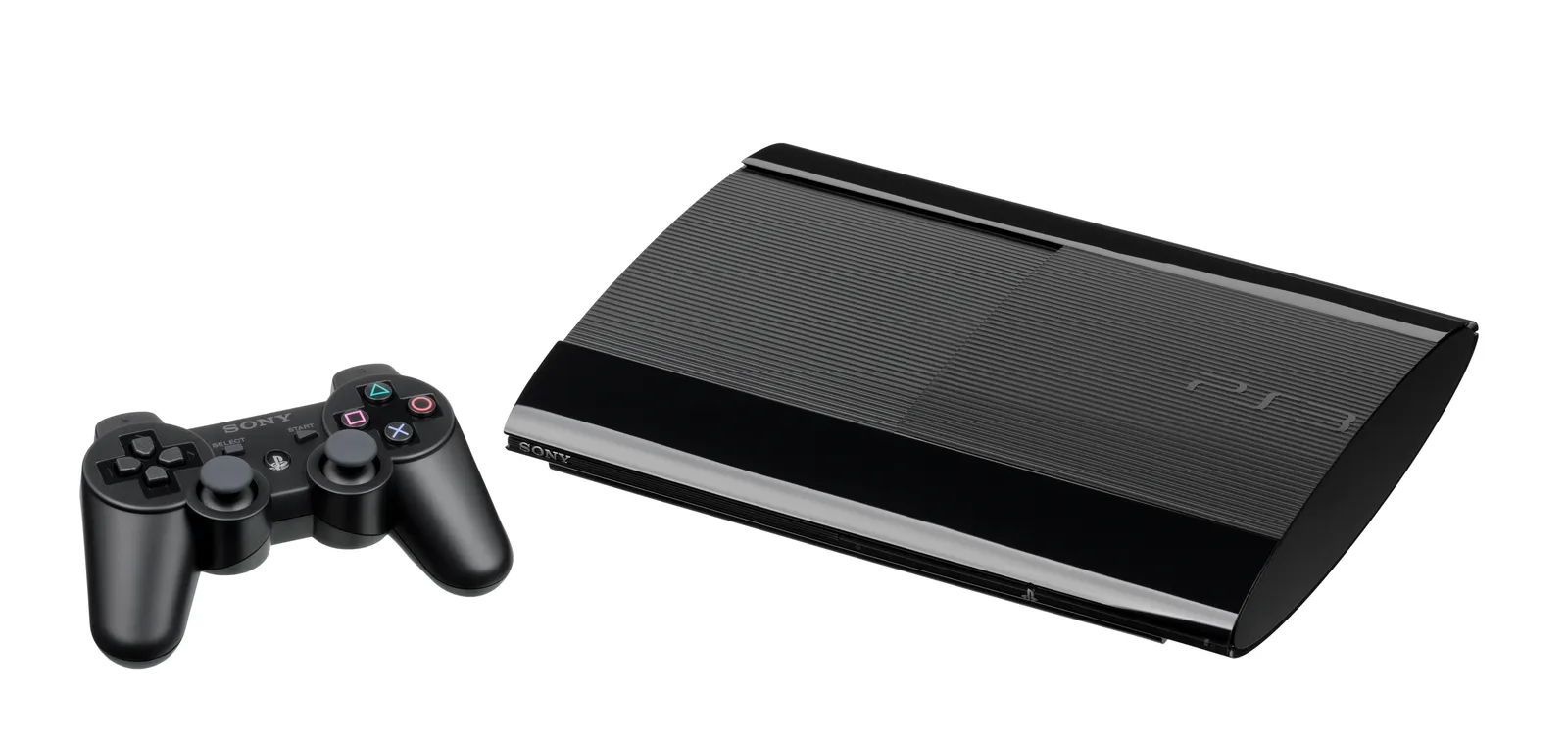
The PS3 hardware the emulator stands in for.
Start With a Per-Game Configuration and the 1.05 Update
Everything below belongs in a per-game configuration: right-click Skate 3 in RPCS3's game list and choose Create Custom Configuration (or Change, if you have one). A broken experiment is then one deleted file from undone.
Step zero is the game version: install the latest update by dragging its .pkg onto the game list, and check the Version column — it reads 1.00 if you skipped it. US and EU copies belong on 1.05, where the community patch list is pinned; the Japanese release stays on 1.00. The two versions land in separate lobbies.
Official source: RPCS3 Quickstart — RPCS3 "requires the PlayStation 3 system software, contained in PS3UPDAT.PUP"; install it from File > Install Firmware, then dump your own disc.
Four baseline values carry the weight, from the r/skate3 optimal-settings thread and our RPCS3 vs recomp comparison:
| Setting | Value | Why it is here |
|---|---|---|
| RSX FIFO Accuracy | Atomic | The docs: Atomic "benefits stability greatly in many games with little performance penalty" |
| Driver wake-up delay | 100 µs | Per-game stability knob; hunt around it in 100–200 µs steps |
| VBlank frequency | 120 Hz | The RPCS3 wiki's Skate 3 page: Vblank rate 120, "Allows for 120 FPS cap; can go higher" |
| VBlank NTSC Fixup | On | Pairs with the 120 Hz vblank |
Descriptions below follow the emulator's settings docs.
Official source: Skate 3 — RPCS3 Wiki — the configuration note, the community patch list, and the netplay table this page cites all live there.
CPU Settings: Leave Most of It Alone
CPU side, the defaults already suit Skate 3: PPU and SPU decoder both stay on LLVM Recompiler — the docs call LLVM the fastest option, with interpreters only as a fallback — and SPU block size stays on Safe.
Two CPU values matter more than the rest, both from the Blaze server README the community plays on, via the community RPCS3 guide:
| CPU setting | Value | Notes |
|---|---|---|
| SPU XFloat Accuracy | Approximate | The shared online value; physics-affecting settings are how lobbies desync |
| Enable SPU loop detection | Off | The other half of the online-shared pair |
Leave Preferred SPU threads on Auto. RPCS3 players have reported that a preferred SPU thread count of 1 produces slow motion — if you changed it, put it back first.
The Blaze server README's rule, quoted by the community guide: any setting that affects physics, set differently, "will cause you to desync out of all lobbies immediately." Match the values above before you suspect your connection.
GPU Settings: Vulkan at 720p, Then Stop
| GPU setting | Value | Source-backed note |
|---|---|---|
| Renderer | Vulkan | The official docs call Vulkan the fastest renderer; fall back to OpenGL only for compatibility |
| Default resolution | 1280x720 | The default; the docs warn lower resolutions will not improve performance |
| Resolution scale | 100% | Raise it later for sharpness, not speed |
| Write color buffers | Off | The docs: enable only for missing graphics or broken lighting; it can degrade performance |
| Framelimit | Auto | The docs note the frame limiter adds overhead; with the 60 FPS patch on, set it to 60 |
| ZCULL accuracy | Leave as-is | Precise is the accurate default; experiment only with a reason |
The PS3 game itself renders at 1152x640 (the canary patch's own note), so the image looks soft even at 720p. Upscaling is free sharpness when the GPU has headroom: raise Resolution scale in small steps, and leave the scale threshold at 16x16 unless upscaling produces missing graphics.
That canary patch, "1280x720 Resolution" (Margen67), carries two hard caveats: BLUS30464 version 1.00 only, and it breaks shadows.
Fixing Slow Motion, in Fix Order
Slow motion on RPCS3 means the emulated machine fell behind real time: world, physics and audio run reduced — even when the frame counter looks healthy. One RPCS3 forum thread pairs "slow motion and audio chopping" with high FPS readings and hears the same diagnosis every reply: the CPU is short on power for this game.
- VBlank frequency 120 Hz, VBlank NTSC Fixup on. The most-reported fix; the r/rpcs3 advice is to push VBlank frequency to 120 "or even 240" when the game drags.
- RSX FIFO Accuracy Atomic, Driver wake-up delay 100 µs. The stability half of the baseline; for instability rather than slowness, the docs suggest stepping wake-up delay by 100–200 µs, with 200–400 µs covering many games.
- Preferred SPU threads back to Auto. Only relevant if you set it low — but then it is the whole problem. Players have reported exactly this.
- Accept the CPU limit. If audio still chops while the frame counter looks fine, the CPU is the bottleneck, and GPU knobs cannot fix it — the docs note that resolutions below 720p do not improve performance.
- Re-check after emulator updates. Patches are version-pinned; after an RPCS3 update, reopen the wiki's Skate 3 page and confirm the baseline still reads the same.
Change VBlank and SPU settings first. If step four lands, no GPU setting rescues it — the honest outs are a faster CPU or the native recomp route.
The Patch List, Line by Line
Patches live in RPCS3's Patch Manager: open it from Manage → Game Patches, pick your game ID, enable only what you want — and switch them off before reporting any bug. The full list the wiki carries for Skate 3:
| Patch | Author | What its own notes say |
|---|---|---|
| 60 FPS | illusion | "Force 60 FPS in all modes." Pair it with Framelimit 60 |
| Moon Gravity | Aphelion | Low gravity; "being airborne for too long will cause you to respawn" |
| No Fall Damage | Aphelion | Works only on your board; the most extreme heights can still trigger bails |
| No Blur | tuukkas | Removes blur; cosmetic |
| Aspect Ratio | tuukkas | 16:10 up to 32:9; needs "Stretch To Display Area" checked in the GPU settings; some 2D elements stretch |
| 1280x720 Resolution (canary) | Margen67 | "Original resolution is 1152x640. Breaks shadows." BLUS30464 1.00 only |
That is the honest size of the patch surface: six toggles, not a mod platform. For real mods and maps, that scene lives on the native port — recomp mods, DLC and maps covers where it moved.
The wiki anchors every patch above to BLUS30464 01.05, BLES00760 01.05, or BLJM60296 01.00. A patch silently doing nothing usually means the game version under it moved — check the Version column first.
Getting Online Without EA's Servers
The wiki's netplay table for Skate 3 reads like a qualified yes: connections, lobbies, and matching all work — and then the catch: online features are partial, custom servers required. Two community pieces carry the load:
| Piece | What it does |
|---|---|
| Wispp server entries | The wiki's special notes list the redirect: gosredirector.ea.com and downloads.skate.online.ea.com both pointed at 172.237.109.212 in your hosts file (C:\Windows\System32\drivers\etc\hosts) |
| Blaze server | The community Blaze server emulates EA's Blaze backend — matchmaking, friend invites, Skate.Park transfers, over relay servers instead of peer-to-peer. Public server or host your own; no Xenia or real-PS3 support |
Settings discipline doubles here: physics-affecting values must match everyone in the lobby, or the first trick desyncs you.
For the wider picture, read the RPCS3 vs recomp comparison. For pure single-player, the recomp route skips the emulator stack entirely.
Controllers and Input Feel
Pad setup happens in RPCS3's pad configuration before the game boots. For a DualShock 3 on Windows, the RPCS3 wiki's controller page points at its XInput pad handler alongside the third-party ScpToolkit, and has you confirm recognition in SCPUser.exe first — a pad dead there no game setting will fix.
Input feel tracks performance more than settings: in slow motion, stick movements and trick inputs arrive late and mushy, and the fix is the timing work above, not a pad tweak. On Steam Deck, pad-recognition complaints are common — RPCS3 seeing only the keyboard, or ignoring the Deck's controls in Gaming Mode — so get the pad dialog recognizing the hardware in Desktop Mode first.
Steam Deck Starting Point
The Deck runs the same game on the same baseline: VBlank 120 Hz with NTSC Fixup, Atomic FIFO, 100 µs wake-up delay, Vulkan at 720p, Resolution scale 100%. Deck players trade finished configs rather than writeups: the r/SteamDeck "finally running smooth" thread is typical — a custom config exported from desktop mode, imported on the other side. The CPU ceiling is lower on a handheld, so the slow-motion checklist above matters more.
If emulation turns out too heavy, the native port has its own handheld path: the recomp Steam Deck guide covers that install, and ReSkate's Steam Deck tuning covers the new free-to-play game on the same hardware.
FAQ
Why is Skate 3 in slow motion on RPCS3 but my FPS counter looks fine?
The frame counter does not prove the emulated machine is keeping real time. Start with VBlank frequency 120 Hz plus VBlank NTSC Fixup on, confirm Preferred SPU threads is on Auto, and if audio still chops, the CPU is the limit.
What are the best settings for Skate 3 on RPCS3?
The baseline: RSX FIFO Accuracy Atomic, Driver wake-up delay 100 µs, VBlank frequency 120 Hz, VBlank NTSC Fixup on, Vulkan at 720p — plus SPU XFloat Accuracy Approximate and SPU loop detection off if you play online.
Do I need the 1.05 update?
For US and EU copies, yes: the community patch list targets 1.05, and 1.00 players get separate lobbies. The Japanese release is version 1.00, and its patches are pinned there. Drag update .pkg files onto the game list, then check the Version column.
Can I still play Skate 3 online through RPCS3?
Partially. The wiki's netplay table says the basics work but custom servers are required; the community Blaze server restores matchmaking, friend invites and Skate.Park transfers.
Will turning down the GPU resolution fix performance?
No. The docs note that resolutions below 720p do not improve performance, and the usual bottleneck is the CPU. Fix timing and SPU settings instead.
Related Guides
- Skate 3 RPCS3 vs recomp: which PC route wins — the comparison this page plugs into.
- Skate 3 recomp explained — the native Xbox 360 port route, no emulator overhead.
- Skate 3 recomp mods, DLC and maps — where the mod scene lives now that six toggles are all RPCS3 offers.
- ReSkate Steam Deck settings — tuning the new free-to-play skate. on the same handheld.
- Skate 3 recomp on Steam Deck — the native port's handheld install, lighter than emulating.
More ReSkate Guides
Skate 3 recomp is a native PC port of the 2010 Xbox 360 game; ReSkate is a mod platform for the new free skate. No shared code — how they differ.
What Skate 3 recomp can actually load: the DLC folder rule, community maps through the Level Loader, SK8-Engine, and the v2.0 renderer enhancements.
Skate 3 recomp has no online multiplayer: what the README says, the state of Skate 3 servers, and the four ways people actually skate together in 2026.
Skate 3 save editors explained: what these community tools change, which platforms they cover, and the corruption risks to weigh before you edit a save.
Skate 3 save files across PS3, Xbox 360, RPCS3 and the PC port: where each one is stored, how to copy a save, and what a 100 percent save file does.
Skate 4 vs Skate 3 for PC players: what carried over, what the new game left out, and the mods that bring Skate 3 maps, realism and Hall of Meat back.
About re-skate.wiki: independent unofficial ReSkate fan site statement, sourcing and version policy, disclaimer, and contact notes.
skate. Proximity Chat is live as an opt-in soft launch from November 9, 2026. How to enable it, where it works, and what EA has not said yet.