
Skate 4 keyboard and mouse support explained: what the game officially expects, the Steam Input workaround players use, and what still needs a controller.
Skate 4 Keyboard and Mouse: Support and Workarounds
Quick answer: skate. — EA's free-to-play game that everyone still calls Skate 4 — does not support keyboard and mouse for actual skating on PC. EA has required a controller since Early Access opened on September 16, 2025, and its published requirements page still reads that way in Season 5. The mouse works in the menus; riding responds to keys only if you unplug the pad, and even then Flick-It feels wrong.
skate. is EA's free-to-play revival of the Skate franchise; ReSkate, the mod platform this wiki covers, is an unrelated open-source project that runs the same game. This site is an independent fan wiki with no ties to EA or Full Circle. Everything below was re-checked on October 14, 2026 against EA's pages, the Steam listing and the Steam discussion boards.
- Official position: a controller is required; keyboard and mouse are "not supported" — unchanged since EA's September 12, 2025 notice.
- What keys already do: menus, map and Quick Drop; gameplay does not.
- The unofficial fallback: disconnect the controller entirely and the game accepts keyboard and mouse (community-confirmed, March 2026).
- What still needs a stick: every Flick-It trick, reverts, anything reading a stick flick.
- ReSkate changes none of this: same build, same input rules; its own keys are menu, console and chat.
What EA Officially Says
EA's own PC requirements article, published September 12, 2025, is the cleanest statement of the rule, and it has not been edited away since:
Official source: skate. Early Access PC Specs & Requirements — "As a reminder, keyboard and mouse are not supported for Early Access. You will need a controller to play skate. on PC, such as PS4 DualShock, PS5 DualSense, Xbox One or Xbox Series X|S controller. The DualSense Edge and Xbox Elite V1/V2 are also compatible."
The same page rules out the other escape routes: macOS and Linux are unsupported, and although skate. is Steam-native, EA explicitly does not support the Steam Deck. The PC launch happened on September 16, 2025 on the EA App, Steam and the Epic Games Store.
A longer official answer to "Will skate. support KBM controls?" was quoted verbatim by a Steam forum moderator in the main support thread:
Official source: mouse/keyboard support? — skate. on Steam — EA's answer, quoted by moderator SidZapen: "Flick-It has always been the Skate franchise's core control system... honestly, KBM simply doesn't create the same tangible skateboarding feeling. So for now, you'll need to use a controller on PC. We're not entirely writing off KBM — we're always listening to feedback."
The thread's other staff reply, from BQuisty (who answers skate. support posts there), gives the reasoning: keyboard and mouse "works" in a basic sense, but "will also never feel the way it is intended to, as it does with the Flick-It mechanics".
The Steam store page for skate. carries the same message in metadata: its controller-support info is flagged with no keyboard support, and the storefront tells shoppers the game expects a controller. Valve's block also lists EA Javelin, the kernel-level anti-cheat — which matters later. All three PC storefronts (Steam, EA App, Epic) behave identically: controller required; keyboard and mouse only ever operate menus, the map and Quick Drop.
Nothing in the Season 5 update — live now, dropped September 8, 2026 — reverses this, and EA's requirements page still carries the September 2025 wording. Both staff quotes lean on "for now", so treat KBM support as an open question EA refuses to answer either way, not a feature with a date attached.
Reading it as "so the full version might get it" is a community read, nothing more. EA has published no commitment, no timeline, no "planned" tag. Plan around the controller requirement.
Why Flick-It Fights the Keyboard
The reason is not stubbornness alone; the trick system is genuinely analog. Flick-It reads the direction and velocity of an analog stick flick to decide which trick comes out and how it rotates. A thumbstick reports 360 degrees of travel plus how hard you threw it. A WASD key reports on or off.
Players running the fallback confirm where that mismatch bites: drawing tricks with the mouse is "really janky", and reverts feel wrong because "you're using WASD instead of a proper thumbstick". The game has shipped keyboard prompts since day one, so the plumbing exists — it is the feel that never translated.
There is no settings screen to smooth it over either. PCGamingWiki's input table for skate. has empty rows for remapping, mouse sensitivity and mouse acceleration, and its summary is blunt: controller required, keyboard and mouse only work for menu navigation.
The Community Workaround: Force the Keyboard Fallback
If you are determined to try it — no pad on hand, pad in RMA, a locked-down PC — the working method reported by players is short.
- Quit the game and disconnect the controller entirely. Wireless dongle out, cable out — the pad must not be detectable. The game hands input over to keyboard and mouse only when no controller is present.
- Launch from Steam. Keyboard prompts appear in-game; they have been in the build since launch.
- Expect rough edges. Tricks drawn with the mouse feel janky, reverts on WASD behave oddly, and there is no remap screen or sensitivity slider to fix either.
- Add Steam Input if you want it more playable. Players who get something serviceable credit Steam Input: map keys onto the virtual gamepad the game was built for, translate mouse movement into the right stick. Community method, undocumented by EA, comfort not guaranteed.
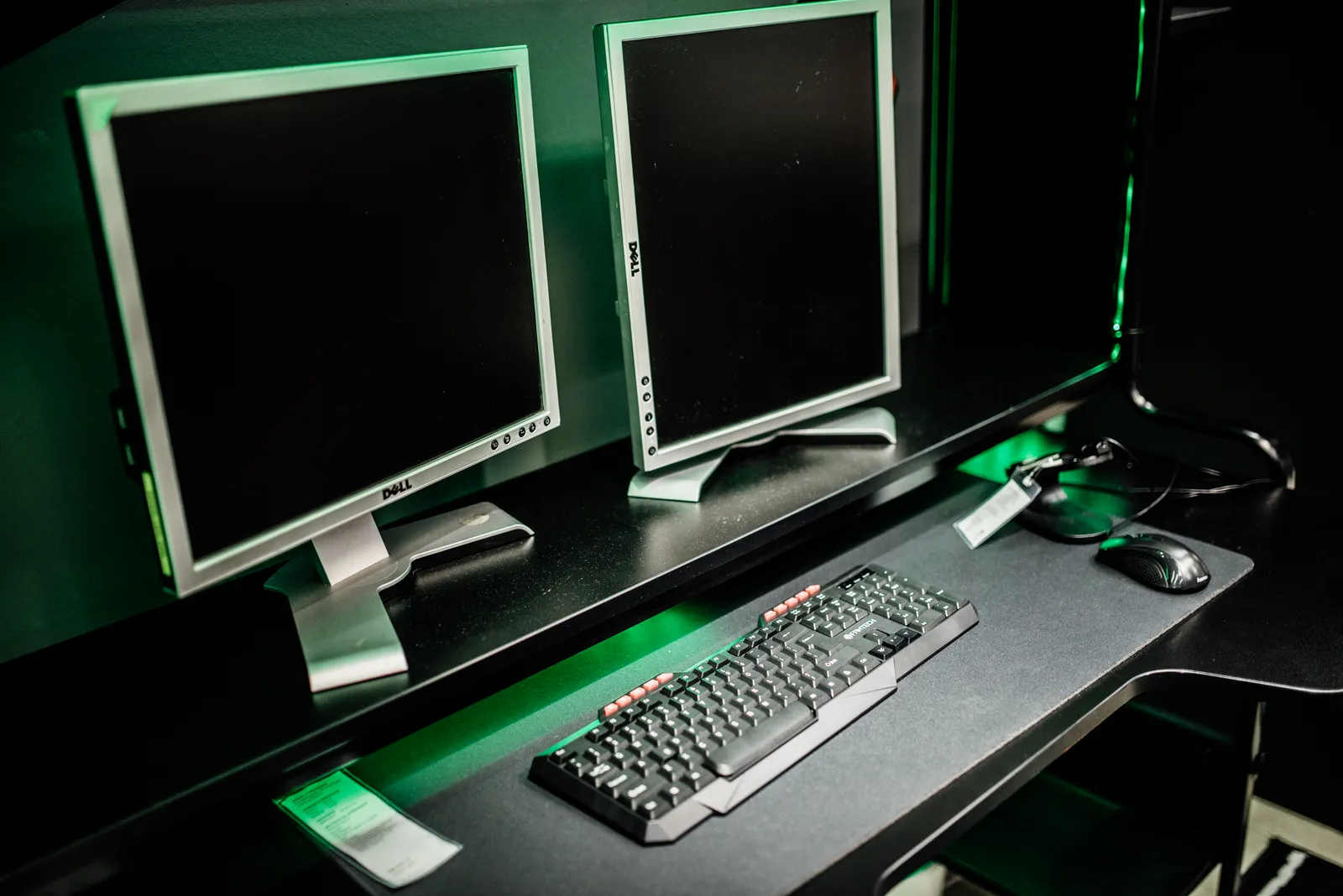
A rig like the one above navigates every menu — the game only skates once the controller is gone, and even then it fights back.
skate. ships EA's kernel-level anti-cheat, and PCGamingWiki's input notes warn that remappers such as reWASD may be blocked by it. Steam's own input layer is a different category of software from a driver-level device faker, and no public source clears the latter for you. Do not treat "someone on YouTube did it" as anti-cheat approval.
When each option actually makes sense
skate. is free, so the controller is the only real cost: any PS4 DualShock, PS5 DualSense, Xbox One or Xbox Series X|S pad works, plus the DualSense Edge and Xbox Elite V1/V2 per EA's list. A cheap wired pad solves this page in one purchase.
| Your situation | What to do |
|---|---|
| No pad, want to actually skate | Buy or borrow any wired controller from EA's compatible list |
| Pad broken or in RMA | Use the disconnect-the-pad fallback; fine for menus, rough for tricks |
| Just curious | Unplug the pad for ten minutes — the prompts work, the feel is the experiment |
| Keyboard-and-mouse-only PC | Try Steam Input mapping, treat it as temporary |
Every workaround here is community-reported and lives at EA's pleasure: the fallback works because the game ships keyboard prompts and a controller-detection branch, not because EA blessed it. The day EA locks that down — or ships real support — this page gets rewritten.
When the Controller Flips Back to Keyboard
There is a mirror-image bug for pad owners: skate. decides the controller is gone mid-session and switches to keyboard prompts. An EA forum bug report describes a Steam Controller user losing the pad after a couple of minutes, and a February 2026 Steam thread reports the same flip with a wired Xbox pad.
BQuisty's reply in that thread is the closest thing to an official checklist:
| Suspected cause | Fix from the support reply |
|---|---|
| Wireless interference | 2.4 GHz keyboards and wireless gear can interfere with the pad's signal — try a cable |
| Pad connected after launch | skate. expects the controller connected before you start the game |
| Flaky wireless handshake | Connect the controller via cable and retest |
| Stale pad firmware | Check for controller firmware updates |
| Virtual controller software | Close DS4Windows, vJoy or Razer Synapse from the tray — they conflict with the game's native XInput detection |
| Steam not managing the game | Add skate. to Steam as a non-Steam game, per the same reply |
Note the 2.4 GHz keyboard entry — a fitting wrinkle here. If your pad dies minutes in, work down this list before assuming KBM mode won.
What This Means for ReSkate Players
ReSkate does not change the input story: a launcher, an injected runtime and dedicated servers wrapped around one pinned Steam build of skate. (25414733). The controller requirement, the Flick-It feel and the menu fallback all carry over unchanged. New to the project? Start with what ReSkate actually is.
What ReSkate does add is a handful of keyboard keys of its own — and none of them skate. The README's controls table covers three: Insert opens the ReSkate menu, ~ opens the command console (help lists everything), and T opens multiplayer chat. Menu and console keys rebind in the launcher's Settings or via the --menu-key and --console-key launch arguments; the full list is on the keys and console cheatsheet.
Two smaller input notes for ReSkate users:
- The launcher itself went controller-friendly in the v2.0 window. Pad navigation landed with the Steam Deck trackpad acting as a mouse (issue #63), so mod management no longer strictly needs a keyboard — see the launcher guide.
- The Deck route sidesteps this whole page. EA does not support the Steam Deck at all, but ReSkate runs there through Proton — and a Deck is a controller with a trackpad, so Flick-It works as designed while the trackpad handles menus. Setup: the Steam Deck and Linux guide; platforms: the platforms page.
Plug in a pad. ReSkate's keys open the menu, console and chat — the tricks still want sticks, because they are the same game's tricks. Offline mode (Steam closed, saves local) changes servers, not inputs. Pad connected? The first-session walkthrough is next.
FAQ
Can you play skate 4 on keyboard and mouse? Not officially, and not well. EA requires a controller on PC; that wording has been public since September 12, 2025 and still stands. Disconnect the controller and the game accepts keyboard and mouse input — menus work, tricks feel janky — but that is a community workaround, not support.
Will skate. ever get keyboard and mouse support? Nobody can promise it. EA's published answer is "for now, you'll need to use a controller on PC" plus "we're not entirely writing off KBM" — no timeline, no planned feature, nothing in the Season 5 update (September 8, 2026) that changes it.
How do I try keyboard and mouse without a controller? Quit the game, disconnect the pad so the system cannot detect it, then launch — the game falls back to keyboard and mouse, keyboard prompts included. For anything beyond menu work, players layer Steam Input on top to map keys onto the virtual gamepad. Avoid driver-level remappers such as reWASD; PCGamingWiki warns they may be blocked by EA's anti-cheat.
Why does my controller keep switching to keyboard controls? Usually one of three things: the pad connected after the game launched, wireless interference (including from 2.4 GHz keyboards), or virtual controller software like DS4Windows, vJoy or Razer Synapse fighting the game's XInput detection. Support's checklist adds firmware updates and a wired retest.
Does ReSkate add keyboard and mouse support? No. ReSkate pins one Steam build of skate. and injects around it; it changes servers, mods and offline play, not the game's input layer. Its own keys — Insert for the menu, ~ for the console, T for chat — none of them map to skating.
Related Guides
- Skate 4 controller guide: support and connection fixes — which pads work, and what to check when one is not detected.
- ReSkate platform status: PC, Steam Deck and consoles — what EA and ReSkate each run on.
- ReSkate on Steam Deck and Linux — the Proton route where the Deck's pad makes this page mostly irrelevant.
- ReSkate controls and console cheatsheet — Insert, ~ and T, plus every server and Trainer command.
- What is ReSkate? Relation to EA skate. explained — read first if the mod platform is new to you.
More ReSkate Guides
Skate 4 vs Skate 3 for PC players: what carried over, what the new game left out, and the mods that bring Skate 3 maps, realism and Hall of Meat back.
Skate 4 cheat codes do not exist in EA's live skate. Here is what actually works: the real Skate 3 codes, RPCS3 patches, and the offline ReSkate Trainer.
Why Skate 4? EA naming, skate. vs ReSkate explained: one page clears up every naming confusion.
The Skate 2 map for ReSkate is a 992 MB port of New San Vanelona. Install steps, download counts, load order and the collision problems still on the list.
The Skate 3 browser game that went viral in October 2026 explained: what it runs, where its data comes from, and the two safe ways to play in a tab.
Play the full Skate 3 map in ReSkate: download and install steps, VRAM performance notes, plus skate 2 and Skater XL map status.
Skate 3 on mobile explained: the community recomp builds that actually run on Android and iOS, what they need, and the APK-download warning.
Skate 3 recomp on Steam Deck: native Linux build vs Proton, install steps, the settings worth changing, and controller facts, as of v2.0.2.