
How ReSkate Board Break works: break force, deck wear, nose/mid/tail snaps, repair commands and the 2.1.2 deck pack change.
ReSkate Board Break: How Deck Damage and Snaps Work
Board Break is the ReSkate feature that lets a hard slam actually snap your deck. It is a small system with more rules than the name suggests: break force, three snap points, grip tape that sometimes holds the board together, a wear meter that changes how the board steers, and console commands for testing a break on demand. This guide covers the mechanics as documented by the ReSkate project, including the change that moved Board Break out of the core program.
Official source: the ReSkate Board Break design document, the v2.1.2 plugin release notes and the ReSkate README.
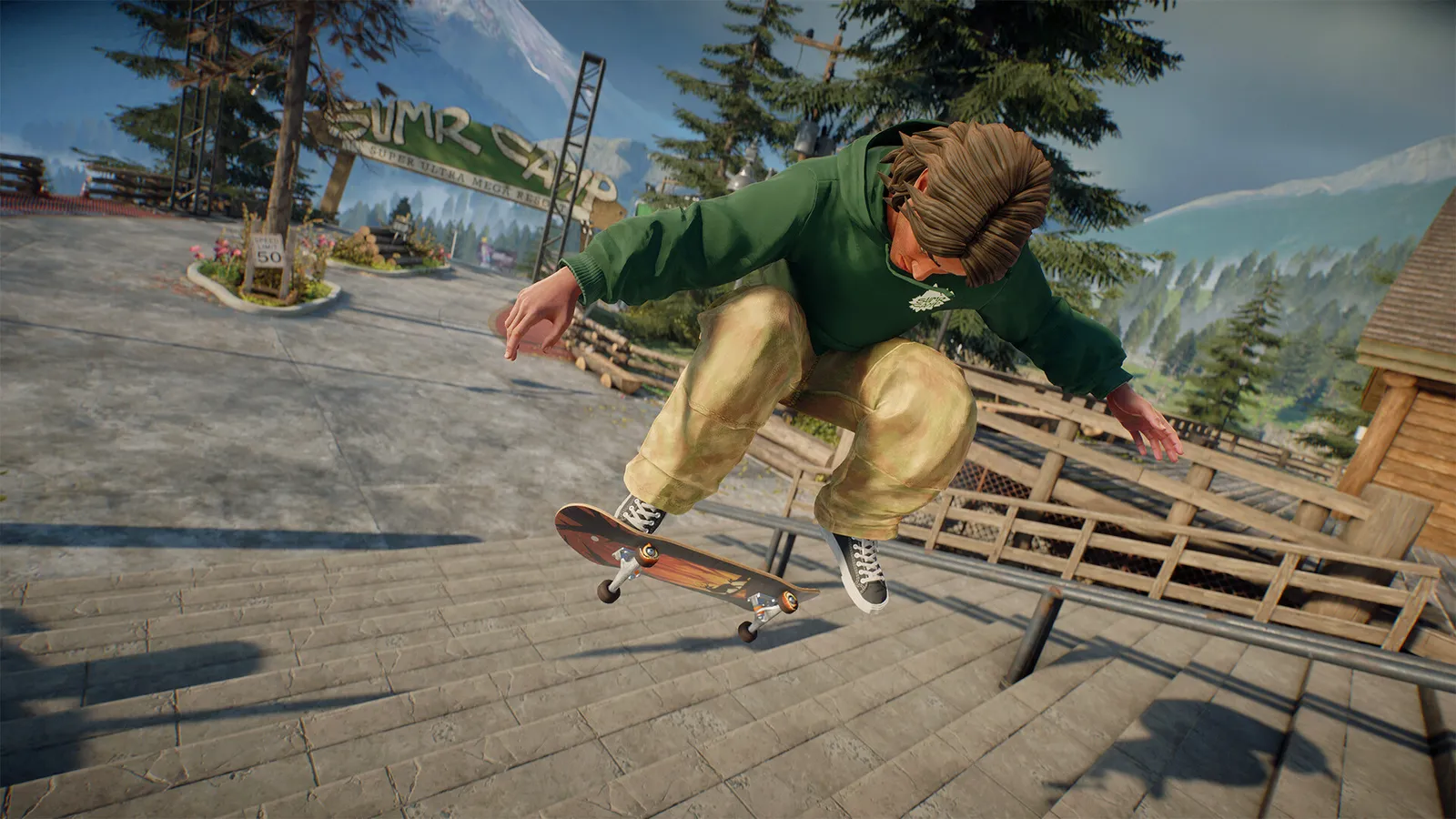
Official EA skate. screenshot, not a ReSkate capture. Board Break uses deck models supplied by its own deck pack.
What Changed in v2.1.2
For most of ReSkate's life, Board Break was built into the core program. That changed with v2.1.2, the plugin pre-release published on October 22, 2026. In that build, Board Break, Road Rash, Hall of Meat, the drone and grind exits all became plugin mods installed and updated like any other mod.
The practical version:
- On v2.1.1 stable, Board Break is still part of the core program.
- On v2.1.2, Board Break ships with its deck pack and must be installed as a mod.
- The broken pieces you see are the deck models from that pack, not generic debris.
If you updated to 2.1.2 and the board no longer breaks, the feature is probably not installed rather than broken. The plugins guide explains how plugin mods and the PLUGINS settings page work.
How to Install Board Break on 2.1.2
- Open the launcher's GET MODS page and search for the Board Break deck pack, or install its package from Thunderstore.
- Install it like any other mod. The plugin travels inside the pack; there is no separate Lua file to drop into a folder.
- Launch the game and open the ReSkate menu with
Insert. - Check the PLUGINS page for Board Break settings. Only plugins that expose settings appear there.
- If you use profiles, enable the pack in the profile you actually play. A clean profile will not load it.
The mod install guide covers the folder layout if you prefer a manual install. Keep the pack updated through the launcher so the deck models and the plugin stay on the same version.
v2.1.2 is marked pre-release on GitHub. If you want the old built-in behavior and do not care about plugins, v2.1.1 is the stable path. If you want custom Throwdown modes or the new plugin sandbox, use 2.1.2 and install the deck pack.
The Break Rules
Board Break does not snap on every bail. The design document defines a force threshold and a separate wear system.
| Situation | What happens |
|---|---|
| Bail with force 10 or higher | The deck always snaps |
| Lighter bail | About a one in four chance of a snap |
| Snap location | Nose, mid or tail, chosen by the impact |
| Grip tape holds | Roughly half the time the board folds or droops at one end instead of separating |
| Board separates | The pieces fly out with the bridge and wheels, then land |
| Getting the board back | Picking it up, continuing to skate or respawning restores a complete deck |
| Rolling snap | Rare; the nose is the first part to go |
Force is not a number you can read on screen during normal play. It comes from the bail cause that produced the wipeout, which is why a huge drop and a gentle missed flatground trick do not behave the same way.
The "grip tape holds" case is the detail that makes the system look less like a binary break animation. Half the time you get a bent board hanging from one end, and the board keeps existing as a damaged object rather than exploding into parts.
Wear Is the Real System
A deck has a wear value from 0% (new) to 100% (done). The in-game menu labels the stages new, used, worn, beat and done. Wear goes up from several actions:
- Landing at a speed above 3.5 m/s.
- Hitting a rail or ledge. Slides damage the deck more than the trucks do.
- Every second spent sliding or grinding.
- Any slam with force 4 or higher.
The consequences start before the deck is fully worn:
| Wear | Effect |
|---|---|
| 0–20% | Cosmetic scratches; handling is normal |
| 20% and up | Steering becomes less responsive; trucks feel softer and twist more |
| 100% | The force needed to snap is halved, and the deck can break under the rider without a big impact |
That last row is the one people miss. A worn deck does not just look bad; it changes how the board responds and makes a snap much more likely. If your skater suddenly feels loose and unpredictable, check the board before you check your settings.
There are two ways to reset it: the New board button in the Board Break interface, or the console command boardbreak worn 0. Changing decks also gives you a fresh board, but it reloads the level, so do it between lines rather than mid-session.
Scratches Are a Different Layer
The scratches on the deck are not the Board Break wear meter. They come from the base game's own board wear, controlled under Mod Options > Board wear. A new deck clears them, but they do not by themselves change the break threshold.
This distinction matters when you are testing: a scratched board can still be at 0% Board Break wear, and a clean-looking board can be nearly done. Use the Board Break interface or boardbreak worn to check the number that actually affects snapping.
If you are learning a long grind or a big drop, reset the board first. Above 20% wear the steering change is subtle enough to blame on your inputs, and a snap at 100% can look like a bug when it is the system working as designed.
Console Commands
Open the console with ~ and type help for the full list. The Board Break commands are:
| Command | Effect |
|---|---|
boardbreak 0 / boardbreak 1 |
Disable or enable the feature |
boardbreak snap |
Force a snap at the current point |
boardbreak snap nose / mid / tail |
Force a snap at a specific section |
boardbreak mend |
Repair the forced snap |
boardbreak deck |
Open or cycle the deck selection card |
boardbreak deck next |
Move to the next deck |
boardbreak deck <name or number> |
Select a deck by name or index |
boardbreak worn 0 |
Reset wear to new |
A forced snap stays until you run boardbreak mend or respawn. That makes snap useful for recording a specific shot: set the break point, trigger the animation, then repair without restarting the session.
Changing the deck through boardbreak deck reloads the level. That is expected, but it also means the command is a poor choice in the middle of a multiplayer line unless everyone is ready for the reload.
Replay, Deck Packs and Multiplayer
Board breaks are recorded by the replay editor, so a snap can be reviewed frame by frame like any other trick. If you want a clip of a specific break, force it with boardbreak snap tail, land the bail, then open the replay before you respawn.
Deck packs are cosmetic on the surface and mechanical underneath: the pack supplies the deck models that become the broken pieces. A pack with only a texture may not include the geometry the plugin expects, which is why the official distribution pairs the plugin with its deck pack rather than asking you to mix and match.
In multiplayer, treat Board Break as part of your mod setup. If the pack is not enabled in the profile you use for that session, the board will behave like the core version. The multiplayer guide covers profiles, hosting and the server browser.
How to Practice Breaks Without Wasting a Session
- Load a small park, not a 4 GB city port.
- Set the board to new with
boardbreak worn 0. - Try a drop that produces force 10 or higher; the deck should snap every time.
- Repeat with a smaller bail to see the one-in-four case.
- Use
boardbreak snap noseto see the forced animation without hunting for an impact. - Run
boardbreak mendand check that the deck is whole. - Open the replay editor and confirm the break was captured.
If the board never breaks on a force-10 slam, the first thing to check is whether the plugin is enabled in the current profile. On 2.1.2, a missing deck pack looks exactly like a disabled feature.
Frequently Asked Questions
Is Board Break still built into ReSkate? It is built in on v2.1.1 stable. On v2.1.2 it moved to a plugin mod that ships with its deck pack. The feature did not disappear; the delivery method changed.
Can I turn board breaking off?
Yes. Run boardbreak 0 in the console. Settings for the plugin also appear on the PLUGINS page when the pack is installed.
Why does my board break so easily?
Check wear. At 100% the break force is halved and the deck can snap under you. Reset with the New board button or boardbreak worn 0, then test the same bail again.
Do scratches mean the deck is worn out? No. Scratches come from the base game's board wear setting. The break meter is separate and is shown in the Board Break interface.
Does a broken board cost anything? No. Picking the board up, continuing to skate or respawning restores a complete deck. There is no currency or repair cost in the documented system.
Related Guides
Based on the ReSkate Board Break design document, the v2.1.2 release notes and the README, checked October 24, 2026. ReSkate is an unofficial fan project; skate. and its assets belong to EA.
More ReSkate Guides
What changes in ReSkate gameplay: pinned skate. physics, offline play, 32-player lobbies, throwdowns, world controls, park editor and plugin modes.
Where ReSkate official code, releases and issue tracker live, how to read each repository, and how to confirm a download is genuine before running it.
Hall of Meat is a ReSkate plugin mod now, not a console toggle. How to install it, approve permissions, enable it in a session and fix the old command.
How to play ReSkate from first launch: get online properly, learn the three keys, try lobbies, parks, Hall of Meat and the Trainer, then add your first mods.
Download ReSkate from official GitHub Releases: PC requirements, 3-step install, Steam login, and first launch into skate. (as of v1.1.3).
The ReSkate launcher explained tab by tab: self-updates, game verification, the PLAY merge, MODS page, Settings, and every common message, as of v2.0.2.
Run ReSkate on Steam Deck and Linux: Desktop Mode install, the v2.0 Steam launch option, reported 60 FPS, and what the Proton fixes changed (as of v2.0.2).
ReSkate on Mac: no supported path today — what does and does not work, plus the two ways Mac users actually play skate games in 2026.