
Twelve practical ReSkate tips: clean-folder install, launcher launch, controls, trainer, mod profiles, map downloads, random parks and logs.
ReSkate Tips: 12 Things to Know Before You Play
ReSkate is not a new skateboarding game. It is a free, open-source mod platform for EA's skate., and most first-session problems come from treating it like a standalone title: launching it from the wrong place, skipping the trainer, or joining a server before the map is installed. These twelve tips cover the things that actually cost people time, based on the project's own README and the current release notes.
Official source: the ReSkate README, ReSkate v2.1.1 release notes and the Steam page for skate.. Version details below are current as of October 24, 2026.
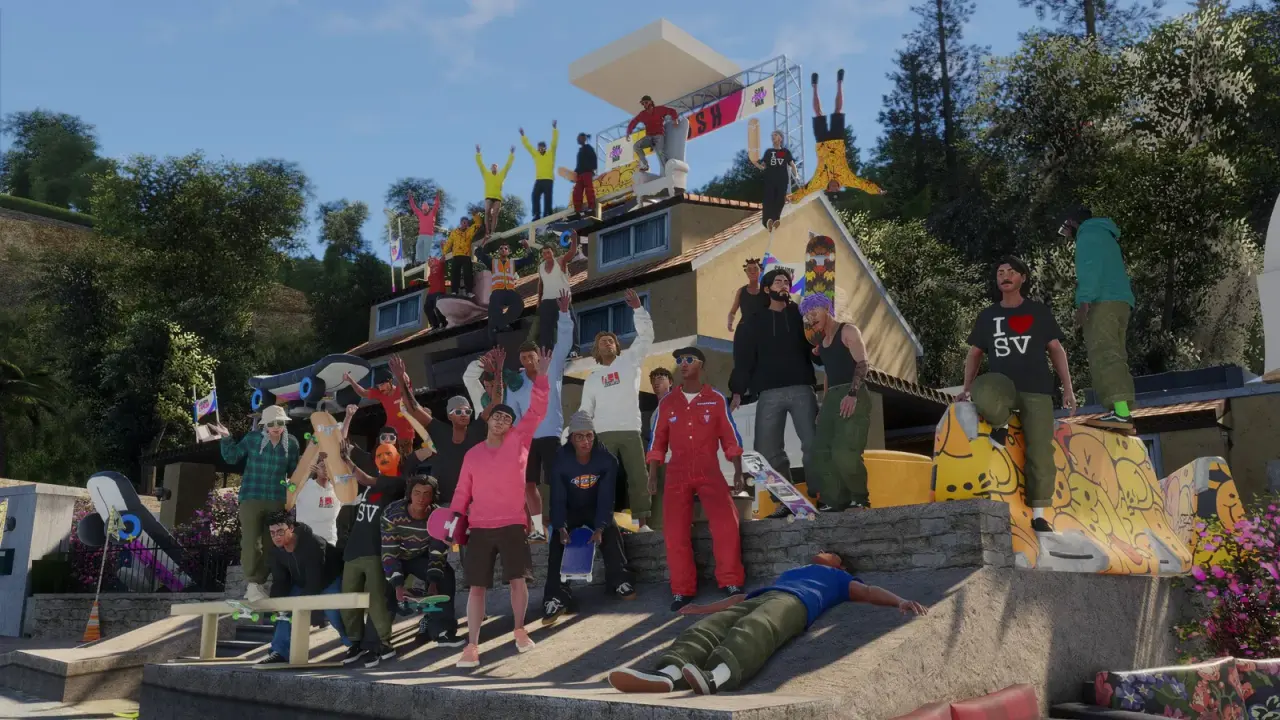
Official ReSkate launcher artwork from the project repository. ReSkate runs on top of skate., so game imagery belongs to EA.
1. Install ReSkate Into Its Own Empty Folder
The launcher and ReSkate.dll should go into a new folder such as C:\Games\ReSkate, not into the Steam copy of skate. The official README is explicit about this. ReSkate installs and pins its own supported game build, which needs roughly 14 GB of free space, and mixing it with the Steam install is how people end up with two launchers fighting over the same files.
Leave the Steam copy alone. ReSkate does not modify it, and you still need it for the app ID and the Proton prefix on Linux.
2. Start the Game With the Launcher's PLAY Button
On Windows, pressing Play inside Steam starts vanilla skate., not ReSkate. If the Insert menu does nothing, this is usually why. Start ReSkateLauncher.exe, sign in with the Steam account that owns skate., wait for the build check, then press PLAY in the launcher.
The README calls this out as the first troubleshooting step, and it is worth repeating because the failure looks like a broken mod rather than a wrong launch path.
3. Learn Three Keys Before You Touch a Setting
ReSkate adds three inputs on top of the base game:
| Key | What it opens |
|---|---|
Insert |
The ReSkate menu: MODS, TRAINER, Park Editor, Multiplayer, Levels Travel and Settings |
~ |
The ReSkate console; type help for the command list |
T |
Text chat in multiplayer |
All three can be remapped in the launcher's settings. Do that on day one if Insert collides with a keyboard layout or a macro key. The full control reference is in the ReSkate controls guide.
4. Set View and Controls Before Your First Line
Open the ReSkate menu and spend five minutes in Settings. The menu exposes skater options that the base game does not put in one place, including first-person view, movement tweaks, boost and noclip. If you plan to play with a controller, test it here rather than in the middle of a multiplayer session.
The launcher also has a Controller & Steam Deck section. On Linux and Steam Deck you must launch through the skate. Steam entry with the documented launch option; starting the launcher directly breaks the app ID and can produce the E111000B anti-cheat error.
5. Use the Trainer as a Practice Tool
The trainer has been built into ReSkate since v1.0.9, and it is more useful than a cheat menu. It can slow game speed, pause the world, save five practice markers per map, and apply presets such as higher ollies or faster flips. Commands include trainer set, trainer preset, trainer marker, trainer tp and trainer where. The ReSkate trainer guide has the full list.
Use markers to break a line into sections, then raise the speed once you can land each section. That is a better use of the trainer than leaving a "never bail" preset on and wondering why the timing feels wrong in a real lobby.
6. Build One Mod Profile You Trust
The MODS page is not just a list. It stores which mods are enabled, their order and their settings in a profile. ReSkate v2.1.1 added a Resolve conflicts button and a Load this one choice, and it remembers that choice the next time the same two mods meet. Conflicts are checked when the launcher opens and after every change, not only when you press Play.
Keep one clean profile for multiplayer and one experimental profile for solo sessions. If a mod breaks after a ReSkate update, switch back to the clean profile before you start deleting folders. The mod manager guide explains load order and the Mods\mods.json file.
7. Download the Map Before You Join
ReSkate can fetch a missing custom map from Thunderstore when you join a server, but the handshake is on a timer. The confirmation prompt expires after 2 minutes, the session waits up to 30 minutes for the download, a normal map load gets 180 seconds, and an already-running download is allowed up to 4 hours to finish.
If you decline or cancel, ReSkate deletes the partial file. On a slow connection, install the map from Thunderstore first and join afterward. The ReSkate maps guide lists sizes, and some of the biggest maps are over 1 GB.
8. Let the Host Pick the Random Parks
Random parks are a nice way to make San Vansterdam feel new, but the layout is a host decision. Load Random Parks fills the three park slots from every supported layout, with empty slots excluded. Guests follow the host's layout. Changing maps does not reroll it, and Randomize on Launch is off by default.
If you run a dedicated server, you can randomize for everyone from the admin console with park random. In a normal lobby, ask before rerolling; the setting is shared, not per player.
9. Try the Multiplayer Formats, Not Just Free Skate
ReSkate lobbies hold up to 32 players and support public, code-only and password-protected rooms. Beyond free skate, there are party commands (/party invite, /p, /w), proximity voice, co-op challenges and Throwdowns in three formats: Jam, Spot Battle and S.K.A.T.E.
Throwdowns are the quickest way to get a session moving. The ReSkate multiplayer guide covers hosting, parties and the server browser; the community page has the places where sessions get organized.
10. Offline Mode Is a Feature, Not a Failure
ReSkate works with Steam closed or offline. Your progress is stored locally, and the game shows Unknown Player because there is no Steam identity to read. That is expected behavior, not a corrupted profile.
The trade-off is obvious: no multiplayer, no party, no server browser. If you want to test mods without touching an online profile, offline mode is the cleanest place to do it.
11. Keep the Log Before You Ask for Help
ReSkate writes logs\ReSkate.log next to the launcher. When something crashes, that file plus the ReSkate version and a description of what you were doing is the difference between a useful bug report and a guess.
Crash reporting is on by default and uploads a minidump with the session log. The optional Send performance timings setting is off by default; if you turn it on, it records level loads, average frame rate and long-frame counts. You can disable crash reporting entirely with the RESKATE_CRASH_REPORTING=0 environment variable.
12. Do Not Install Reuploads or Custom Lua Scripts
Download ReSkate only from the project's GitHub Releases. Antivirus tools often flag the launcher because it injects into the game; the README treats that as a false positive, and the fix is to restore the file from Windows Security's protection history, not to grab a "clean" build from a random mirror.
Custom Lua scripts are still disabled: scripts/Custom is not read or executed. The supported path is a mod that ships a plugin through the plugin API added in the v2.1.2 pre-release, and those plugins run inside ReSkate's sandbox. On v2.1.1 stable there is no plugin API, so a plugin pack simply does nothing. See the plugins guide for what a plugin can and cannot touch.
If ReSkate crashes, disable all mods first and launch again. If the crash survives a clean profile, report it with the log. Reinstalling the game before that test usually wastes an hour and changes nothing.
The First 30 Minutes, in Order
- Install into an empty folder with 14 GB free.
- Sign in through the launcher and press PLAY there.
- Rebind
Insert,~andTif needed. - Set view, controller and graphics.
- Create a clean mod profile.
- Install one map from Thunderstore.
- Join a lobby only after the map is on disk.
Frequently Asked Questions
Do I need to own skate. to use ReSkate? Yes. ReSkate is a mod platform, not a standalone game, and the launcher verifies a supported Steam build. You need your own copy of skate. on the same Steam account.
Does ReSkate work on Steam Deck? The project documents a Linux/Proton launch option, but the README says the separate-folder setup has not been tested on Proton and the Steam Deck path is theoretical. The Linux and Steam Deck guide covers what is confirmed.
Will mods break after an update? Some will. ReSkate checks each mod against the pinned game build and skips mods it cannot merge cleanly, naming them in the process. Keep a clean profile so you can isolate the problem.
Can I get banned for using ReSkate? ReSkate is a fan project and not endorsed by EA or Full Circle. The safety guide covers what the project does with telemetry and what it cannot promise.
Related Guides
Written for ReSkate v2.1.1 (stable, October 18, 2026) and the v2.1.2 plugin pre-release. ReSkate is an unofficial fan project; skate. and its assets belong to EA.
More ReSkate Guides
ReSkate not launching or crashing? Use this error lookup table to fix Unknown Player, antivirus blocks, old mods and build changes fast.
What changes in ReSkate gameplay: pinned skate. physics, offline play, 32-player lobbies, throwdowns, world controls, park editor and plugin modes.
Where ReSkate official code, releases and issue tracker live, how to read each repository, and how to confirm a download is genuine before running it.
Hall of Meat is a ReSkate plugin mod now, not a console toggle. How to install it, approve permissions, enable it in a session and fix the old command.
How to play ReSkate from first launch: get online properly, learn the three keys, try lobbies, parks, Hall of Meat and the Trainer, then add your first mods.
Download ReSkate from official GitHub Releases: PC requirements, 3-step install, Steam login, and first launch into skate. (as of v1.1.3).
The ReSkate launcher explained tab by tab: self-updates, game verification, the PLAY merge, MODS page, Settings, and every common message, as of v2.0.2.
Run ReSkate on Steam Deck and Linux: Desktop Mode install, the v2.0 Steam launch option, reported 60 FPS, and what the Proton fixes changed (as of v2.0.2).