
Diagnose ReSkate stutters and low FPS: separate mod cost from skate., test maps and mods, read long frames, use launcher flags and logs.
ReSkate Performance: How to Fix Low FPS and Stutters
ReSkate does not publish its own benchmark table or a separate frame-rate target. It runs inside skate., so performance is the base game's cost plus whatever the launcher, the mod merge and the current map add on top. That makes "ReSkate is stuttering" a symptom with several possible causes, and the only reliable way to fix it is to test one layer at a time.
This guide separates the layers: the pinned game build, mods, map size, graphics settings, the launcher's diagnostic flags and the Linux/Proton path. Every ReSkate-specific claim below comes from the project's README or release notes; general PC advice is marked as such.
Official source: the ReSkate README, the v2.1.1 release notes and the known black-screen issue #31.
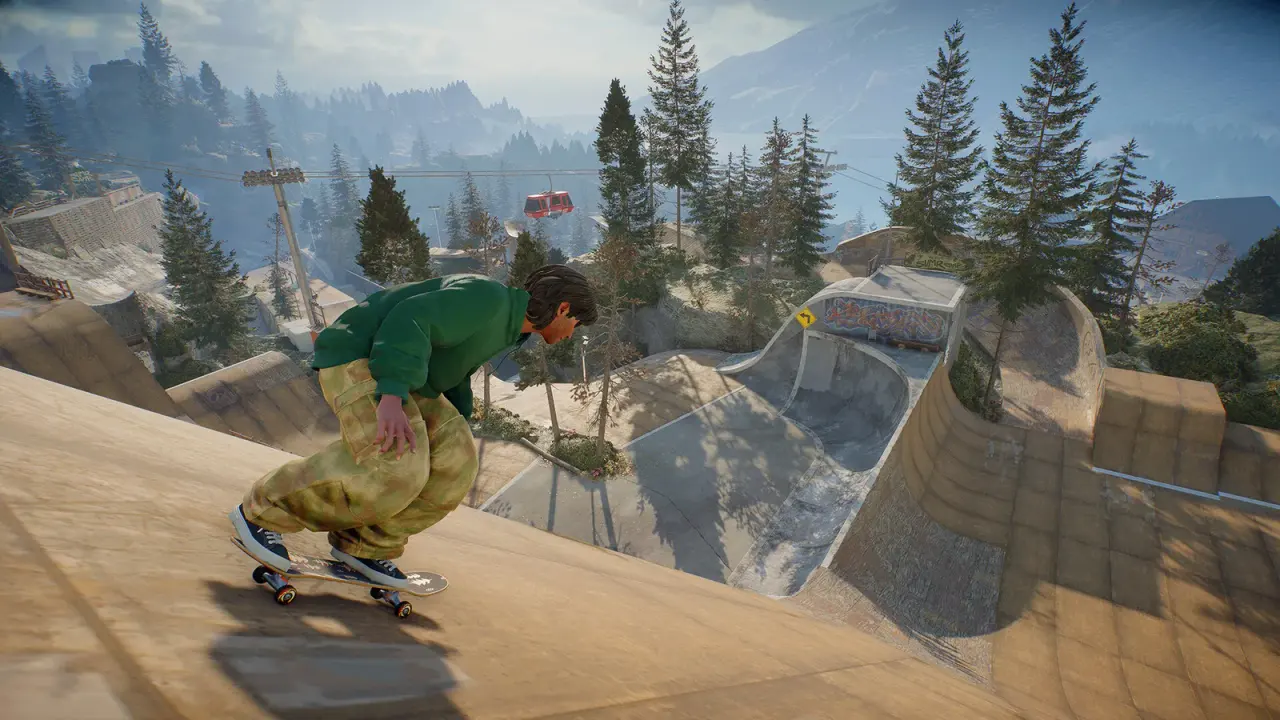
Official EA skate. screenshot, not a ReSkate capture. ReSkate renders the same world with its own menu and mod layers added.
First, Decide Whether the Problem Is ReSkate or skate.
Before changing anything, launch the Steam copy of skate. without ReSkate and play the same area for five minutes. If it also stutters, the problem is the base game, the driver or the machine, and no ReSkate setting will fix it. If vanilla is smooth and ReSkate is not, continue with the ReSkate layers.
You do not need to uninstall ReSkate to do this. On Windows, pressing Play in Steam starts vanilla skate. By design, ReSkate only starts from ReSkateLauncher.exe. On Linux, remove the launch option temporarily or start the Steam entry without it.
Write down three numbers before you touch a setting: the resolution you play at, the map you tested and whether the frame drop is constant or periodic. "It stutters" is not enough information to isolate a cause.
The Three Things ReSkate Itself Controls
ReSkate's performance surface is smaller than it looks. The launcher does three things that matter:
- It pins one supported game build. The current stable build targets Steam build
25414733. The launcher verifies the files and does not follow a newer Steam build. A mismatch is a compatibility problem, not a performance setting. - It installs its own copy of the game. The README asks for about 14 GB of free space. A nearly full drive, especially a system drive, can slow asset streaming and make the first load take minutes.
- It merges mods at launch. More mods mean more files to check and more assets loaded into the same process. The merge is where a heavy setup starts to cost time.
If your complaint is "the launcher takes forever", check free space and antivirus scanning before you blame the game. If your complaint is "the game hitches while skating", the mod stack and the map are the first suspects.
Read Long Frames, Not Just Average FPS
Average FPS hides the thing most players actually feel: a small number of frames that take far longer than the rest. A 60 FPS average with a 200 ms hitch every ten seconds feels worse than a steady 50 FPS.
ReSkate already measures this. In the launcher's Settings, under ADVANCED, there is a Send performance timings option. It is off by default. When enabled, it records update checks, Steam downloads, mod installs, mod merges, startup, level loads, joining a multiplayer session and list fetches. Level-load records include the level name, average frame rate and the number of long frames.
You do not have to send the data to use the concept. Watch for a pattern: does the hitch happen when a new district streams in, when a mod loads an asset, or at a fixed interval? That tells you which layer to test next.
Change one thing, play the same route for five minutes, then change the next. Swapping five settings at once usually produces a faster session and no idea which change helped.
Test the Mod Stack in Halves
The fastest way to find a mod-related stutter is a clean profile, not a reinstall.
- Create or load a profile with no mods enabled.
- Play the same map and route.
- If the stutter is gone, enable half the mods and repeat.
- Keep halving until one mod or one pair remains.
ReSkate v2.1.1 improved this process. The Mod Manager now checks for conflicts when the launcher opens and after every change, adds a Resolve conflicts button, and remembers Load this one for a conflicting pair. Mods that cannot merge cleanly are skipped and named instead of silently loading. The mod manager guide covers load order and profiles in detail.
Pay attention to mods that add assets rather than settings: deck packs, map packs, item packs and anything with large textures. A mod that only changes a value is cheap; a mod that streams new models is not.
Map Size Is a Real Frame Cost
Custom maps are the biggest variable in a ReSkate session. Some are small park remixes; others are full city ports. Thunderstore currently lists Los Santos City at roughly 4.8 GB and Venice Beach at roughly 2.1 GB, while a compact park such as Primitive Skatepark is about 52 MB (sizes as of October 24, 2026).
If a map stutters but the base game does not:
- Test a small map first. If the small map is smooth, the issue is streaming or VRAM, not ReSkate itself.
- Put the ReSkate install and the map cache on an SSD if you have one. This is general PC advice, not a project requirement.
- Lower texture quality or resolution before lowering crowd density. Texture memory is usually the first wall on large ports.
- Avoid joining a server whose map you have not installed. The download-and-install handshake can run while the session waits, and the first load after a live install is not a clean performance test.
The ReSkate maps guide lists the big downloads and the multiplayer map rule.
Settings That Usually Pay Off
ReSkate exposes world settings such as time of day, population and district levels, plus the usual graphics options. There is no official "best performance" preset, so treat these as tests rather than promises:
| Setting | Why try it | What to watch |
|---|---|---|
| Resolution | The biggest single GPU cost | Test one step down, not a window resize |
| Shadows and lighting | Expensive in dense custom maps | Check whether the hitch follows the sun or spotlights |
| World population | More pedestrians and skaters cost CPU | Test an empty versus busy street |
| District levels | More detail can mean more streaming | Compare a small park with a city port |
| First-person view | Different culling and camera work | Test the same route in third person |
If none of these changes the frame time, the bottleneck is probably outside the graphics menu: driver, storage, background load or the mod stack.
Launcher Flags Worth Knowing
The launcher accepts several flags that help diagnose a performance or crash problem. Run them from a shortcut or a terminal, not by editing the game's files.
| Flag | Use |
|---|---|
--windowed |
Rule out fullscreen-mode issues |
--width=N / --height=N |
Test a lower internal resolution quickly |
--log-level=debug |
Write a more detailed logs\ReSkate.log |
--gpu-diagnostics |
Record driver crash details (DRED) for GPU faults |
--offline or -offline |
Remove Steam and multiplayer variables from a test |
--no-update |
Skip the launcher update check while isolating a problem |
After a test, open logs\ReSkate.log next to the launcher. If you file an issue, include the ReSkate version, the map, what you were doing and that log. The project's issue tracker is the correct place for a reproducible engine problem; a comment on a random mod page is not.
Linux, Proton and Steam Deck
On Linux, ReSkate must be started through the skate. Steam entry with the documented launch option:
bash -c 'exec "${@/*EAAntiCheat.GameServiceLauncher.exe//home/you/Games/ReSkate/ReSkateLauncher.exe}"' -- %command%
Without it, Steam launches EA's anti-cheat launcher and Proton reports E111000B ... Wine, Proton, and Steam Deck are not supported. That is a launch failure, not a performance problem, but it is the first thing to check if the game never reaches the menu.
The README says the separate-folder install has not been tested on Proton; the older same-folder layout was tested on CachyOS with Proton Experimental. Steam Deck is described as theoretically the same path but untested. If you are on Deck, use Proton Experimental, expect a desktop-style launcher, and do not judge frame rate until the first shader compilation pass is finished. The Linux and Steam Deck guide has the full setup.
Multiplayer Stutter Is Not Always Frame Rate
A 32-player lobby adds network updates, proximity voice and other players' custom assets. A hitch when someone joins is not the same as a low frame rate when you are alone.
- Test the same map in a solo session. If solo is smooth, the cost is players or network.
- Check the server's region and your ping before you touch graphics settings.
- If the lobby uses a map you just downloaded, restart the game once so the files are on disk before joining again.
- The known black-screen bug #31 happens when you load a custom map and then join a server running a different map. Load the server's map first.
If the frame time is fine in solo play and only degrades in a full lobby, lowering shadows will not help. Test solo first, then the network path.
A Short Diagnostic Order
- Vanilla skate. for five minutes.
- ReSkate with no mods on a small map.
- ReSkate with mods, half at a time.
- The suspect map on an SSD.
- Resolution, shadows, population.
- Launcher flags and the log.
- Linux launch option, if applicable.
- File an issue with the log.
Frequently Asked Questions
Does ReSkate lower FPS compared with skate.? There is no official benchmark, and the answer depends on the mod stack and map. ReSkate adds a menu, a trainer and mod loading on top of the same game, so a like-for-like comparison is only possible with no mods and the same map. Test vanilla first rather than assuming a fixed percentage.
Will a faster GPU fix stutters? Only if the bottleneck is the GPU. Large custom maps can be limited by storage, VRAM or CPU streaming. Check whether the hitch happens at a consistent place in the map before buying hardware.
Why does the first launch take so long? The launcher verifies its pinned build and merges mods. About 14 GB of files plus antivirus scanning can make the first start much slower than later ones. This is expected, not a sign that the install failed.
Can I disable crash reporting?
Yes. Crash reporting is on by default, and setting the environment variable RESKATE_CRASH_REPORTING=0 turns it off. The separate performance-timings option is already off by default.
Related Guides
Based on the ReSkate v2.1.1 README and release notes, checked October 24, 2026. ReSkate is an unofficial fan project and is not affiliated with EA or Full Circle.
More ReSkate Guides
ReSkate keys and console commands cheat sheet: Insert menu, T chat, ~ console help; key changes follow the version stamp.
ReSkate not launching or crashing? Use this error lookup table to fix Unknown Player, antivirus blocks, old mods and build changes fast.
What changes in ReSkate gameplay: pinned skate. physics, offline play, 32-player lobbies, throwdowns, world controls, park editor and plugin modes.
Where ReSkate official code, releases and issue tracker live, how to read each repository, and how to confirm a download is genuine before running it.
Hall of Meat is a ReSkate plugin mod now, not a console toggle. How to install it, approve permissions, enable it in a session and fix the old command.
How to play ReSkate from first launch: get online properly, learn the three keys, try lobbies, parks, Hall of Meat and the Trainer, then add your first mods.
Download ReSkate from official GitHub Releases: PC requirements, 3-step install, Steam login, and first launch into skate. (as of v1.1.3).
The ReSkate launcher explained tab by tab: self-updates, game verification, the PLAY merge, MODS page, Settings, and every common message, as of v2.0.2.