
How ReSkate parks work: the rotating park randomizer, park mod folders, file limits and the server settings that control them.
ReSkate Parks: Rotating Layouts and Park Mods
San Vansterdam has three park slots, and ReSkate can fill each one with a different community layout every time you launch. That is the difference between the base game's fixed skate spots and what the mod platform does with them. This page covers the two halves of that system: the randomizer that picks layouts, and the park mod files that supply them.
Both halves are documented, so this is not guesswork. The rotating-park controls live in the in-game menu and console, and the park file format is published on the project's documentation site with hard limits you can check before you download anything.
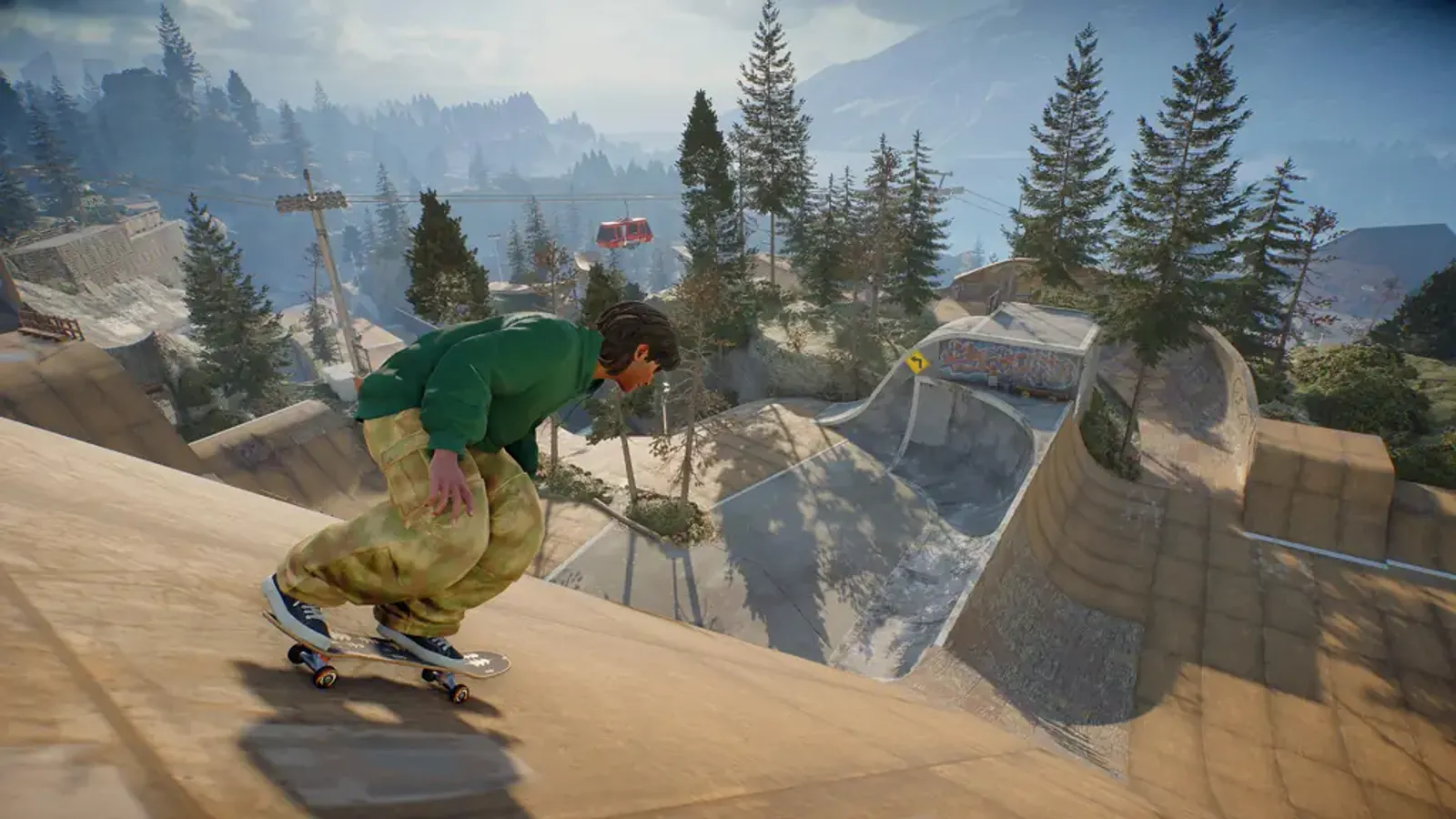
The Park Editor is where layouts are built. This page is about loading and sharing the results.
Rotating parks, explained
ReSkate ships with the ability to randomize the temporary parks that occupy San Vansterdam's lots. There are three slots in the city, and the game picks one layout per slot.
| What happens | Detail |
|---|---|
| Where the control lives | MAP > ROTATING PARKS, and MOD CONTROLLER > PARKS |
| What Load Random Parks does | Picks one layout for each of the three slots |
| Empty lots | Excluded from the roll |
| Repeats | Possible, the same layout can come up twice |
| Where the choice is stored | Saved with your profile |
| Randomize on Launch | Off by default |
| Guests | Follow the host's parks |
| Console equivalent | park random and park random-on-launch 0 or 1 |
Two consequences are worth knowing before you build a session around a layout. First, because the roll can repeat, a randomizer is not a rotation queue; you can see the same park twice in a row and that is normal. Second, because the selection is saved with the profile, a roll you liked survives a restart. If you want it gone, roll again rather than reinstall.
Servers accept the same command, so a host can randomize the parks for everyone in the session. Guests do not get a vote and do not need the files themselves for the roll to happen, which is the part that surprises people who expect every client to install a park pack.
If you found a park you want to keep, do not press the randomizer again. The choice is already saved in your profile, and a second roll overwrites it.
Official source: Parks documentation — folder layout, file format and server settings; ReSkate on GitHub — README section on world controls and the rotating park commands; release notes — behaviour changes since 2.1.
Park mods are JSON, not Studio projects
A park mod is a folder with a manifest, an icon, and one JSON file per map. There is no Studio build step and no compiled asset. The documentation is explicit that a park is a plain file the game reads at load time.
A folder looks like this:
Mods\Popular Street Park\
  manifest.json
  icon.png
  parks\
    bam.park.json
    grom.park.json
The map keys are fixed strings, not display names:
| Key | Map |
|---|---|
bam |
San Vansterdam |
grom |
Isle of Grom |
mpr |
Super Ultra Mega Resort |
stadium_1 |
Stadium 1 |
stadium_2 |
Stadium 2 |
ftue |
Tutorial map |
A pack can ship one map or all of them. Sixteen maps are supported, and each map takes exactly one park. If two mods both define a park for bam, you get a conflict to resolve, not a merged layout.
The limits that break a park file
These numbers come from the published format, and they are the ones that produce errors in practice:
- 1024 placed objects per park.
- 2 MB per park file.
- Object IDs must be unique and cannot be 0.
- Item keys must be ReSkate asset keys (
own_bk...) and no longer than 255 bytes. - Positions must stay inside -100000 to 100000.
- Rotation quaternions must have a length between 0.98 and 1.02.
- Object scales must stay between 0.01 and 100.
Two error messages cover most failures. Expected a ReSkate park containing exactly one base map. means the JSON declares zero maps or several. Invalid or duplicate placed object means an ID collision or a malformed object entry. Neither is a crash; the game refuses the file and keeps running.
Server limits are separate from file limits. A server can cap parks at 1 to 16 and objects at 1 to 1024 through park_limits in its config. A 900-object park that works offline can be rejected on a strict server.
Building and saving a park
The Park Editor handles the authoring side, and the save flow is short:
- Open the editor and place objects with the free camera, snapping and undo.
- Choose + NEW PARK MOD and fill in Name, Author, Version and Description.
- Pick CREATE AND SAVE LAYOUT.
- Save in place with SAVE LAYOUT HERE or
Ctrl+S.
Older parks made before the mod format existed can be converted from the same menu. The PARK MODS tab handles loading, undo and editing afterwards, and in multiplayer only the host can load a park.
The step-by-step build walkthrough, including the object browser and how to save a selection as a reusable set, is on the Park Editor guide. If you want whole levels rather than layouts on existing maps, that is a different format and the map mods guide covers it.
Server-side park control
A dedicated server can ship its own park pack and decide how much of it players see. The config takes a park_mods list of name, folder, map and key entries, plus a park_limits block.
Admins have two console commands:
park-mod add <name> [minutes]
park-mod remove <name>
The optional minutes value sets a window, which is how a server runs a featured park for an evening and then drops it. Parks added by the server do not count toward any player's own park limit, and they are cleared when the map changes. That last detail matters: if a park disappears after a map switch, it was server-side, not broken.
Server configuration beyond parks, including map pools and rotation, is covered in the server config guide.
Common problems
My park does not appear in the list. Check the map key in the filename. A file named sanvan.park.json is ignored; it has to be bam.park.json.
The game says the park contains more than one base map. The JSON has two map entries. Split it into two files.
The randomizer keeps picking the same layout. Expected behaviour. The roll allows repeats, and empty lots are skipped rather than filled with a fallback.
Guests see different parks than the host. They should not. Guests follow the host, so a mismatch usually means someone loaded a park locally after joining instead of letting the host's selection apply.
A park works alone but not in a session. Compare server park_limits with the object count in the file.
FAQ
What are rotating parks in ReSkate?
Three park slots in San Vansterdam that can be filled with community layouts. Load Random Parks picks one layout per slot, and the choice is saved with your profile.
Do I need to install park mods to join a server that uses them?
No for the randomizer. The host's selection is shared with the session, and guests follow it. Installing the pack yourself only matters if you want the same parks in your own offline sessions.
How many objects can a ReSkate park have?
1024 placed objects per park file, with a 2 MB file size cap. Servers can impose a lower object limit.
Can I use an old park with the current build?
Yes. The Park Editor includes a convert option for parks saved before the park mod format, and the converted result is a normal park JSON.
Related Guides
More ReSkate Guides
ReSkate keys and console commands cheat sheet: Insert menu, T chat, ~ console help; key changes follow the version stamp.
ReSkate not launching or crashing? Use this error lookup table to fix Unknown Player, antivirus blocks, old mods and build changes fast.
What changes in ReSkate gameplay: pinned skate. physics, offline play, 32-player lobbies, throwdowns, world controls, park editor and plugin modes.
Where ReSkate official code, releases and issue tracker live, how to read each repository, and how to confirm a download is genuine before running it.
Hall of Meat is a ReSkate plugin mod now, not a console toggle. How to install it, approve permissions, enable it in a session and fix the old command.
How to play ReSkate from first launch: get online properly, learn the three keys, try lobbies, parks, Hall of Meat and the Trainer, then add your first mods.
Download ReSkate from official GitHub Releases: PC requirements, 3-step install, Steam login, and first launch into skate. (as of v1.1.3).
The ReSkate launcher explained tab by tab: self-updates, game verification, the PLAY merge, MODS page, Settings, and every common message, as of v2.0.2.