Custom maps missing from the MAP screen or stuck on MAP NEEDED? The exact log lines, manifest limits and multiplayer rules to check first.
ReSkate Maps Not Loading: Fixes That Work
A map that will not load is almost always one of three things: a custom map manifest ReSkate rejected, a multiplayer map the host has and you do not, or a map that loads but never appears because another mod claimed the same asset name. Each one leaves a different trace, and the game's log at logs\ReSkate.log names the first two outright.
There is no published ReSkate bug for "maps not loading" in general. The documentation describes specific failure modes with specific log lines, and those are what this page walks through. If your case matches none of them, the log is still the place to start.
Official sources: the map manifest docs, issue #100 on the Linux black screen and the ReSkate README for the log path and folder layout.
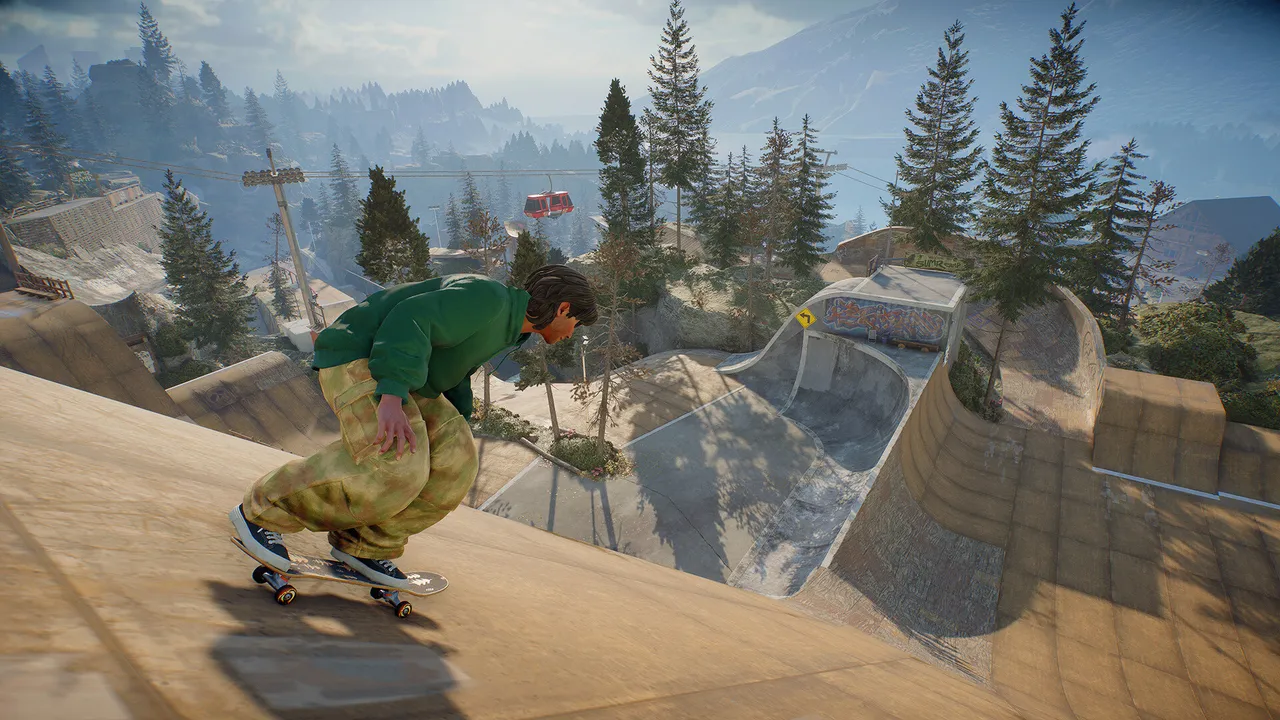
Official skate. screenshot. A level can be installed and still fail to appear if its manifest is rejected.
Match the symptom first
| What you see | Likely cause | Where to confirm |
|---|---|---|
| Your map is absent from MAP, CUSTOM | reskate-levels.json rejected or missing |
Log line Custom-level manifest ignored: ... |
| Some of a mod's maps appear, others do not | One entry breaks the field rules | Same log line, with the reason |
| Travel card says MAP NEEDED and nothing happens | Host's map is not on your PC and the download did not start | Two-minute confirm window, 8 GB cap |
| You drop out of the session after joining | The MAP NEEDED card was never confirmed | Rejoin and confirm the card |
| Map loads, but your edits are not there | Two mods list the same asset; the higher one in load order wins |
MAP list and load order |
| Loading screen is magenta and black checks | The map has no loading picture set | ReSkate Studio map settings |
| Crash when travelling to a large custom map | Texture budget, common with map plus mods | Texture limit warning at 90% |
| Black screen on Linux or Proton | Reported in issue #100, not in the docs | See the Linux section below |
Start with the log
The log sits in the game folder, next to Skate.exe. Search it for the manifest lines:
cd "<your skate. install folder>"
findstr /i "Custom-level" logs\ReSkate.log
PowerShell users can run the same search with Select-String -Path .\logs\ReSkate.log -Pattern "Custom-level".
Two results matter. Custom-level manifest accepted: N destination(s) means the file parsed and added N maps. Custom-level manifest ignored: ... means the file was dropped, and the rest of the line says which rule it broke. A rejected file adds no maps at all; every other mod's maps still load, which is why the symptom can look like "only one pack is broken".
After editing a manifest, restart the game before checking the MAP screen. The file is read at startup, so a fixed file will not show up in a session that is already running.
The manifest rules that cause most rejections
reskate-levels.json sits at the top of the mod folder, beside the map data. ReSkate Studio writes it when it builds a map, so hand edits are where mistakes usually enter. The file is strict: exactly schema and levels at the top, and exactly three fields on every level. Unknown keys are not ignored.
| Rule | Limit | What happens when it breaks |
|---|---|---|
| Top-level fields | Only schema and levels |
Whole file ignored |
| Fields per level | Exactly three | Whole file ignored |
| Maps per file | 64 | File ignored |
| Maps across all mods | 256 | Extra maps do not appear |
| Manifest size | 64 KB | File ignored |
| Map names | No two the same | File ignored |
| Start point names | 1 to 127 characters, letters, digits, spaces, /, _, -, . |
Entry rejected |
Map names also collide across mods. When two packs list the same asset, the mod higher in the load order wins, and the lower one's version never loads. If a map looks like the wrong layout, that is usually the reason, and renaming the asset is the fix. A row that names one of the game's own maps renames that map and adds start points to it, which is intended.
Maps in multiplayer
Joining a host who is on a map you do not have should not fail silently. You get a card, one of MAP NEEDED, MAP CHANGED or MAP VERSION, and two minutes to confirm. The game then downloads the host's version, at most 8 GB, installs it and joins.
The download only works when the host installed the map from Thunderstore, or has it in a folder named the way Thunderstore names one: Owner-Name or Owner-Name-version. A map in any other folder still works for the host, but joiners have to install it themselves. They see a message saying the host is on a map that is not installed on this PC, and the fix is to install that map mod and rejoin.
Three more rules explain most failed joins. A player on a newer version than the host keeps their own version, so a version mismatch can persist after a download. A player who has the map but switched it off is offered to switch it on instead of downloading again. A dedicated server keeps its maps current through maps.latest_versions and the maps update command, so players download whatever the server has pinned.
The map loads but the screen is wrong
ReSkate merges loading screens from every installed map, so one map's picture never replaces another's. A map built without a picture falls back to a magenta and black checkerboard, which looks like a broken texture and is not. Set a loading image in ReSkate Studio and rebuild.
If the screen stays black on Linux or Proton while the map is loading, you are likely hitting the case described in issue #100: a custom map loaded earlier, then a join to a server running a different map. The report does not name a fix, so the practical move is to restart the game and join the server before loading any custom map yourself. The documentation does not describe this as a supported configuration, so treat it as a known report rather than a documented bug.
A triage order that saves time
- Open
logs\ReSkate.logand search forCustom-level. Fix any rejected manifest before touching anything else. - Open MAP and switch to CUSTOM. Confirm the map is listed at all.
- Check the folder name against the Thunderstore convention if you plan to host.
- Disable every map mod except the broken one, restart, and look again. A load-order collision disappears at that point.
- If the map is huge and the game crashes on travel, remove mods until the texture warning stops appearing.
- Reinstall the map pack from Thunderstore rather than copying a folder from a friend.
Do not rename or move files inside a map mod to "fix" a load error. The manifest points at internal asset names, and moving files turns a readable error into a map that loads with missing geometry.
FAQ
Why does my custom map show in the folder but not in game?
The manifest was rejected, or it is not at the top level of the mod folder. The log says which.
How many custom maps can ReSkate load?
Sixty-four per manifest and 256 across all installed mods.
Why can't I download the host's map?
The host's map is not from Thunderstore and the folder does not follow the Owner-Name pattern. Ask them to reinstall it from Thunderstore or rename the folder.
Does ReSkate support maps from older game builds?
No. ReSkate pins one game build, 20260929, and maps built against a different build can fail without a useful error.
Where is the ReSkate log on a dedicated server?
In the server folder, under logs. The manifest lines are the same.
Related Guides
More ReSkate Guides
ReSkate update history: 40 releases from v1.0.0 to build 20261116, the pinned game build record, and how launcher updates work.
How characters work in ReSkate: your own skater, locally saved outfits and unlocks, Unknown Player when Steam is offline, and costume mods.
Official ReSkate Discord, GitHub, Thunderstore and Reddit links in one place: community hubs for new players, checked November 2026.
ReSkate keys and console commands cheat sheet: Insert menu, T chat, ~ console help; key changes follow the version stamp.
What changes in ReSkate gameplay: pinned skate. physics, offline play, 32-player lobbies, throwdowns, world controls, park editor and plugin modes.
Where ReSkate official code, releases and issue tracker live, how to read each repository, and how to confirm a download is genuine before running it.
Hall of Meat is a ReSkate plugin mod now, not a console toggle. How to install it, approve permissions, enable it in a session and fix the old command.
How to play ReSkate from first launch: get online properly, learn the three keys, try lobbies, parks, Hall of Meat and the Trainer, then add your first mods.