
ReSkate's "new folder" step is not a feature. It is the install rule behind the launcher error: which files to move, where, and how to check it.
ReSkate New Folder: What the Install Step Means
"ReSkate new folder" is not a menu item, a mod, or a setting inside the launcher. It is the install rule that the launcher enforces: ReSkateLauncher.exe and ReSkate.dll must sit in a new, empty folder of their own, not inside Steam's skate. folder. Players meet the phrase in two places, the official install steps and the error the launcher shows when the files are in the wrong place.
This page explains the rule, the exact folder to use, what to move if ReSkate already lives in the Steam directory, and how to tell a correct install from a broken one.
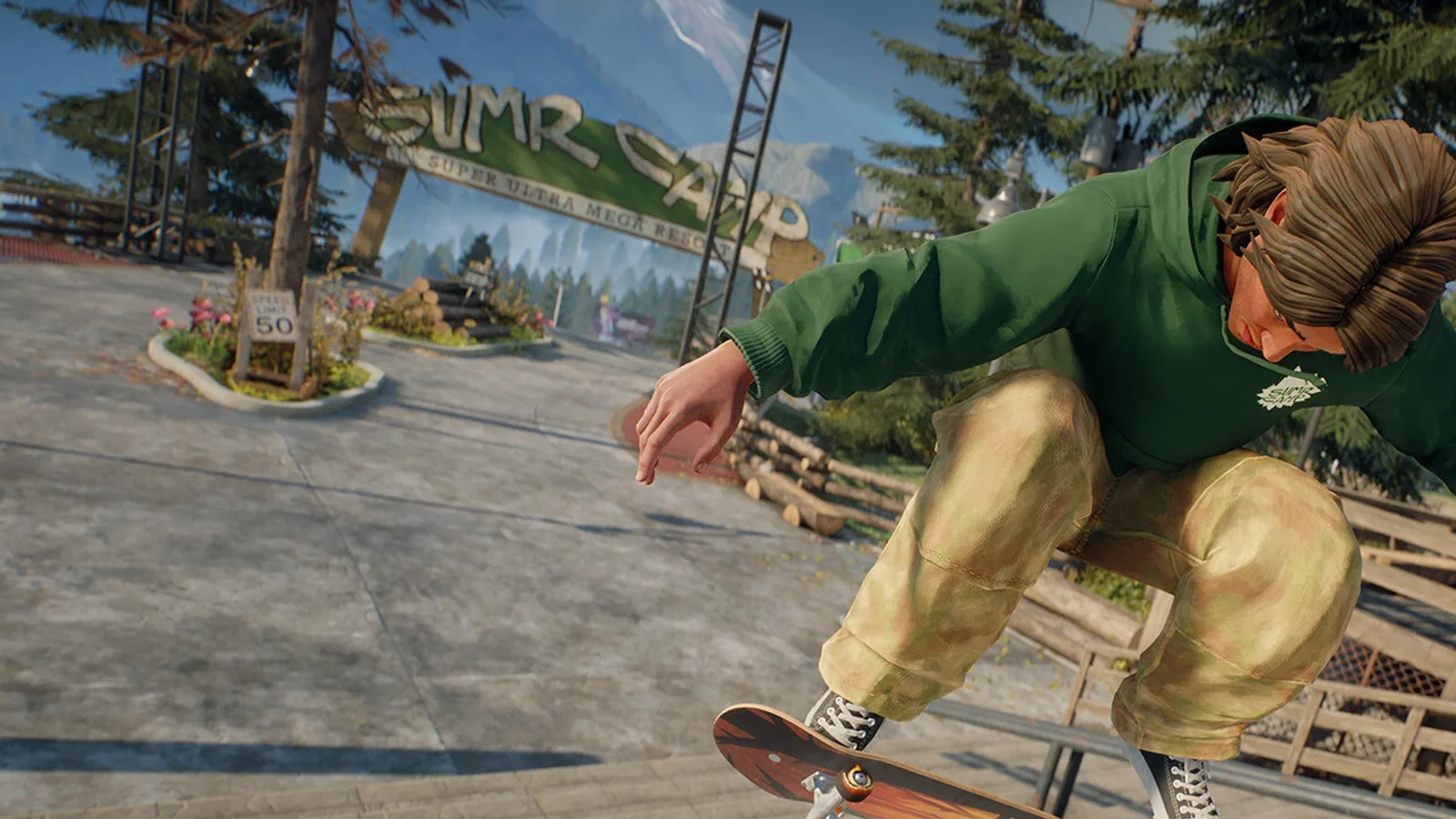
Official skate. footage. ReSkate keeps its own copy of this game in its own folder.
Why the launcher wants a new folder
ReSkate does not patch the copy of skate. that Steam installed. The launcher downloads its own copy of one pinned build into the folder where the launcher lives, then runs that copy with ReSkate.dll loaded. Steam's copy is only the proof that you own the game and the source of the app ID.
That design has one hard requirement: the folder must not be touched by Steam. If ReSkate sits inside steamapps\common\skate, the next game update replaces the executable and data underneath it, and the launcher's build check fails. The team hit exactly that on 13 October 2026, when EA's Season 5 mid-season update reached Steam. ReSkate stayed on build 25414733 and refused the newer files.
The launcher now checks its own location and refuses to start from Steam's skate. folder. The error is not a bug and reinstalling Steam will not clear it.
steamapps\common\skate\ReSkate fails the same check as the game root. The path has to be outside the Steam library entirely, for example C:\Games\ReSkate or D:\ReSkate.
The folder rule in one table
| Rule | Good example | Bad example |
|---|---|---|
| Outside the Steam library | C:\Games\ReSkate |
C:\Program Files (x86)\Steam\steamapps\common\skate |
| Its own directory | D:\ReSkate |
D:\Games shared with five other tools |
| Empty at the start | Only the launcher and DLL | A copy of the game with an old Skate.exe |
| Writable without admin rights | Your user folder or a games drive | C:\Program Files\ReSkate |
| Short, plain path | C:\Games\ReSkate |
C:\Users\Me\Downloads\ReSkate (1)\ReSkate-v2 |
| Local disk | C:\Games\ReSkate |
A folder synced by OneDrive while the game runs |
The launcher needs about 14 GB free on that drive because it downloads the game into the same folder. A 20 GB SSD with Windows on it will fail halfway through, and the retry starts the missing files again.
Moving an existing install, step by step
If ReSkate already runs from the Steam folder, move it rather than reinstalling from scratch. The game copy can be downloaded again, but the mods and launcher settings cannot.
- Create the new folder, for example
C:\Games\ReSkate. - Open Steam, right-click skate., choose Manage, then Browse local files. That opens the folder ReSkate must leave.
- Move
ReSkateLauncher.exe,ReSkate.dll, theModsfolder if present, andReSkateLauncher.settings.jsoninto the new folder. - Delete the same files from the old Steam folder. Leaving a second launcher behind is how people end up running the wrong copy.
- Start
ReSkateLauncher.exefrom the new path. Sign in with the Steam account that owns skate., using a QR code or your password plus Steam Guard. - Let the launcher fetch the missing game files, then press PLAY.
The first run after a move can take a while. The launcher verifies hashes and downloads only what is missing, which is usually most of the 14 GB.
Mods\mods.json with the folder
Mod load order lives in Mods\mods.json beside Skate.exe. Copy the whole Mods directory, not just the mod subfolders, or the order resets.
What a correct folder looks like
After the first successful install, the folder holds more than the two files you extracted. Use this list to spot a half-finished setup.
| Path | What it is | Expected |
|---|---|---|
ReSkateLauncher.exe |
The launcher you run | Present from the ZIP |
ReSkate.dll |
Runtime injected into the game | Present from the ZIP |
Skate.exe |
The pinned game build | Downloaded by the launcher |
Data\ |
Game data for build 25414733 | Large; grows during install |
Mods\ |
Installed mods and mods.json |
Created on first mod install |
logs\ReSkate.log |
Session log | New file each launch |
ReSkateLauncher.settings.json |
Launcher settings | Created on first run |
Saves and the offline profile are not in this folder. They live under %LOCALAPPDATA%\ReSkate\, with the profile in profiles\offline\ and the game's own settings in Game\. Deleting the install folder does not delete your skater.
Error messages and what they mean
| Message or symptom | Cause | Fix |
|---|---|---|
| "ReSkate cannot run from Steam's skate. folder" | Launcher is inside the Steam library | Move it to a folder of its own |
| Launcher opens, then closes | Missing ReSkate.dll or a blocked file |
Re-extract both files into the same folder |
| Build check fails after an update | Steam updated the game copy | Move ReSkate out; let it download its own build |
| Install stalls near the end | Not enough free space | Free at least 14 GB on that drive |
| "Unknown player" in a lobby | Profile folder was copied from another PC | Start a fresh offline profile |
The error guide covers the longer list, including anti-cheat and Proton failures. If the launcher itself will not start, the launcher guide walks through flags and logs.
Linux and Steam Deck use the same rule
The Linux path is ~/Games/ReSkate, again outside the Steam library. The launcher refuses to run from Steam's skate. folder on Proton too. The Steam launch option has to point at the new path:
bash -c 'exec "${@/*EAAntiCheat.GameServiceLauncher.exe//home/you/Games/ReSkate/ReSkateLauncher.exe}"' -- %command%
Replace /home/you/Games/ReSkate with your own path. The swap is needed because Steam starts EA's anti-cheat launcher, which refuses to run under Proton. The Linux and Deck guide has the full setup.
Official source: ReSkate README — "a new, empty folder of their own" and the warning not to use Steam's skate. folder; ReSkate quickstart — the same rule for Windows, Linux and macOS; ReSkate releases — the only official ZIP.
FAQ
Is there a "new folder" button in ReSkate?
No. The phrase comes from the install instructions and from the launcher's refusal to run inside Steam's skate. folder. Create the folder in Windows Explorer before you extract the ZIP.
Can I name the folder anything?
Yes, as long as the path is outside the Steam library and writable. C:\Games\ReSkate is the example the README uses. Avoid spaces and parentheses if you also launch it through Proton.
Do I need to reinstall the game after moving the folder?
No. Run the launcher from the new folder and let it verify files. It downloads what is missing and keeps your mods and settings if you moved them.
Can I delete the Steam copy of skate.?
Keep it installed. ReSkate uses the Steam ownership check and the app ID, and the Linux launch option depends on skate.'s Steam entry and Proton prefix.
Where did my saves go after the move?
They never lived in the install folder. Look in %LOCALAPPDATA%\ReSkate\profiles\offline\ for the skater and %LOCALAPPDATA%\ReSkate\Game\ for the game's settings.
Related guides
More ReSkate Guides
ReSkate keys and console commands cheat sheet: Insert menu, T chat, ~ console help; key changes follow the version stamp.
ReSkate not launching or crashing? Use this error lookup table to fix Unknown Player, antivirus blocks, old mods and build changes fast.
What changes in ReSkate gameplay: pinned skate. physics, offline play, 32-player lobbies, throwdowns, world controls, park editor and plugin modes.
Where ReSkate official code, releases and issue tracker live, how to read each repository, and how to confirm a download is genuine before running it.
Hall of Meat is a ReSkate plugin mod now, not a console toggle. How to install it, approve permissions, enable it in a session and fix the old command.
How to play ReSkate from first launch: get online properly, learn the three keys, try lobbies, parks, Hall of Meat and the Trainer, then add your first mods.
There is no legitimate unlock-all for skate. cosmetics. What ReSkate mods can and cannot do, how to install cosmetic packs, and why store items stay locked.
Download ReSkate from official GitHub Releases: PC requirements, 3-step install, Steam login, and first launch into skate. (as of build 20261116).