
ReSkate has no spec sheet of its own. The real floor is skate. plus 64-bit Windows, roughly 14 GB of space and a logged-in Steam client.
ReSkate PC Requirements: What You Actually Need
Official source: ReSkate repository and skate. on Steam
ReSkate does not publish a system requirements table, and that is the first thing to understand. The project ships as three Windows executables and a mod folder, so there is no store page with a minimum and recommended tier. What you need is whatever EA skate. needs on PC, plus a 64-bit Windows install, a Steam copy of the base game, and about 14 GB of free space.
Everything below is stamped as of v1.1.3, 2026-10-07. This site is an independent, unofficial fan wiki with no connection to EA, Full Circle, Dingo-Shenanigans or Thunderstore.
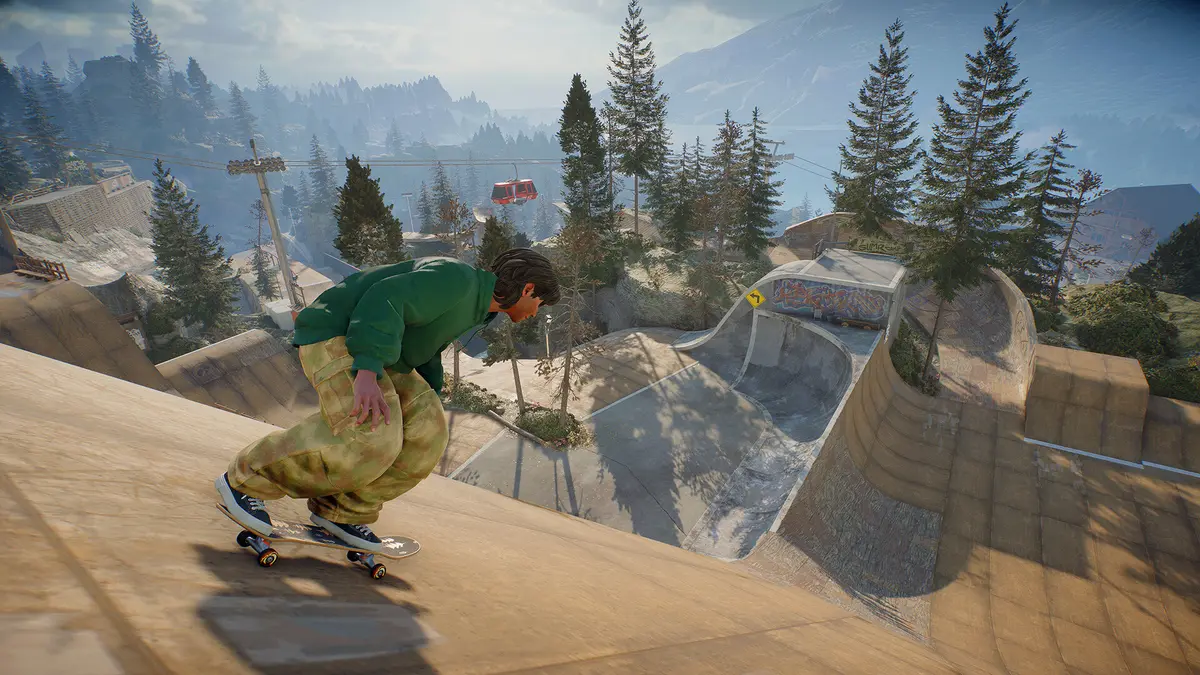
Pictured: ReSkate running over a retail skate. install, the setup this page describes.
If the base game does not run and sign in on its own, ReSkate cannot run either. Check that first.
The short version
| Requirement | Detail | Source of the requirement |
|---|---|---|
| OS | Windows 10 or 11, 64-bit | ReSkate player build |
| Base game | skate. owned on Steam, roughly 14 GB | ReSkate install docs |
| Steam client | Running and signed in | ReSkate login handoff |
| Storage | Base game plus mod and cache space | Practical, not documented |
| GPU | Whatever skate. asks for | EA, not ReSkate |
| Linux | Proton only, no native player build | ReSkate project docs |
| macOS | Not supported | ReSkate project docs |
ReSkate adds no rendering work of its own. It loads mods, hosts servers and injects into the base game, so the frame rate you get is the frame rate skate. gives you, minus whatever your mods cost.
What the project actually documents
The ReSkate docs are specific about a few things and silent about the rest:
- Windows 10/11 64-bit only. There is no 32-bit build and no native Linux player build.
- A Steam copy of skate. is mandatory. skate. is free-to-play, but you still need it in your own library.
- Steam must be running when you launch. If the client is not signed in, ReSkate cannot hand off your identity, and the session falls back to an "Unknown Player" state with multiplayer disabled.
- About 14 GB for the base game. Mods add to that, and custom maps can add several gigabytes more.
What the project does not document: a CPU tier, a VRAM figure, a minimum frame rate, or a supported GPU list. Anyone quoting those numbers is quoting skate.'s store page or guessing. For the official base-game table itself, see skate. system requirements.
The requirements that actually bite
In practice, three things decide whether ReSkate runs well on your machine, and none of them is a spec sheet number.
1. Disk type. skate. streams a large open world. On a mechanical drive, the base game already stutters; add mod loading and it gets worse. An SSD is the single biggest quality-of-life upgrade for this setup.
2. RAM headroom. Mods are loaded into the same process as the game. A machine that runs skate. comfortably can still struggle with a heavy mod list plus a browser and Discord open. Closing background apps is free performance.
3. Steam Deck and Linux. Proton works, but with caveats that the Linux and Deck guide covers in detail: custom maps and modded servers can hang on load, and hosting from a Deck has its own known issue.
Do you need the latest GPU?
No. ReSkate does not add ray tracing, upscaling or a new renderer. If skate. runs at a playable frame rate on your card, ReSkate will too, because it is the same renderer with extra content loaded.
What mods can change is VRAM pressure. Custom maps and high-resolution texture packs are the expensive part of a modded setup, not the platform itself. If you plan to install map mods, budget VRAM for them rather than for ReSkate.
What about Mac?
ReSkate has no macOS build, and there is no announced plan for one. The Mac page covers the alternatives, which are essentially "run Windows" or "do not".
skate. itself is not natively available on Apple Silicon either, so even a hypothetical ReSkate build would need a translation layer. The official skate. site lists the platforms EA actually supports. Do not buy a Mac expecting this setup to work.
Checking your own machine before you install
- Confirm Windows is 64-bit: Settings, System, About, System type.
- Confirm skate. is in your Steam library and launches on its own.
- Check free space on the drive where skate. is installed. Aim for 25 GB free so mods and cache have room.
- Launch skate. once, sign in, and close it. That creates the profile ReSkate will use.
- Install ReSkate following the install walkthrough, then test one mod before installing twenty.
If step 4 fails, stop. ReSkate cannot succeed where the base game does not run.
Performance expectations
The performance page covers settings in detail, but the headline is that ReSkate costs a few frames for the overlay and whatever your mods cost on top. A stable skate. install at 60 fps typically stays near 60 with a light mod list.
The real drops come from three places: custom maps with heavy assets, large mod counts loaded at once, and hosting a server on the same machine you play on. Hosting is the expensive one, because the server process competes with the game for CPU.
FAQ
Does ReSkate have official system requirements? No. It publishes no spec table. The floor is skate.'s PC requirements plus 64-bit Windows, a Steam copy of the game and roughly 14 GB of space.
How much storage do I need? About 14 GB for skate. plus room for mods and custom maps. Budget 25 GB free to be comfortable.
Can I run ReSkate on a laptop? Yes, if the laptop runs skate. acceptably. Integrated graphics will struggle with the base game before ReSkate adds anything.
Does ReSkate work on Windows 10? Yes. Windows 10 and 11, 64-bit, are the documented platforms.
Is Linux supported? Only through Proton. There is no native player build, though the dedicated server has a native Linux build. See the platform guide.
Do I need to own skate. to use ReSkate? Yes. skate. is free-to-play, but it must be in your Steam library and installed.
Related
More ReSkate Guides
Official ReSkate Discord, GitHub, Thunderstore and Reddit links in one place: community hubs for new players, as of v1.1.3.
ReSkate keys and console commands cheat sheet: Insert menu, T chat, ~ console help; key changes follow the version stamp.
ReSkate not launching or crashing? Use this error lookup table to fix Unknown Player, antivirus blocks, old mods and build changes fast.
What changes in ReSkate gameplay: pinned skate. physics, offline play, 32-player lobbies, throwdowns, world controls, park editor and plugin modes.
Where ReSkate official code, releases and issue tracker live, how to read each repository, and how to confirm a download is genuine before running it.
Hall of Meat is a ReSkate plugin mod now, not a console toggle. How to install it, approve permissions, enable it in a session and fix the old command.
How to play ReSkate from first launch: get online properly, learn the three keys, try lobbies, parks, Hall of Meat and the Trainer, then add your first mods.
The ReSkate launcher explained tab by tab: self-updates, game verification, the PLAY merge, MODS page, Settings, and every common message, as of v2.0.2.